Nice we’ve recorded some bass guitar tracks along with our electric guitar tracks. After we mix the guitars we should mix the bass tracks. With Bass Lane We can find the right lanes for the bass in the mix. So lets mix the bass channel and discover the best plugins for it.
Quantise Bass
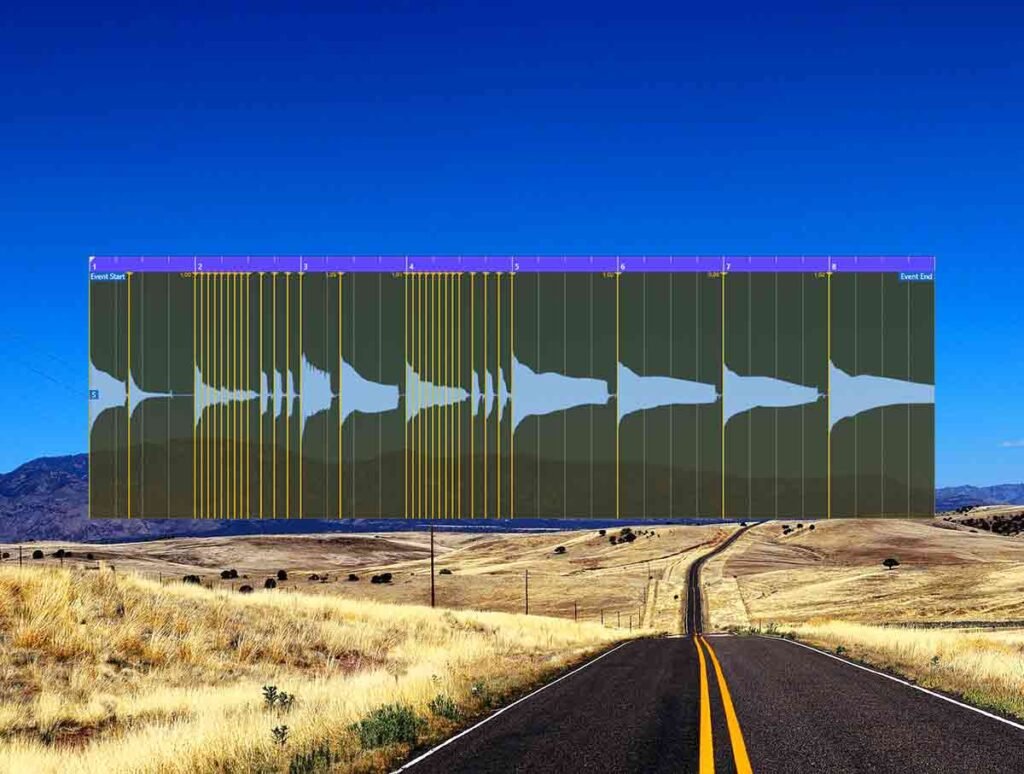
First lets quantise the tracks so that the notes lock in time with the grid. We recorded some 1/16 rhythms so lets set the quantise value to that. The tracks are very good now because they are in time with the click. We can see that the notes are in time and hear it.
Mono to Stereo | Bass Lane
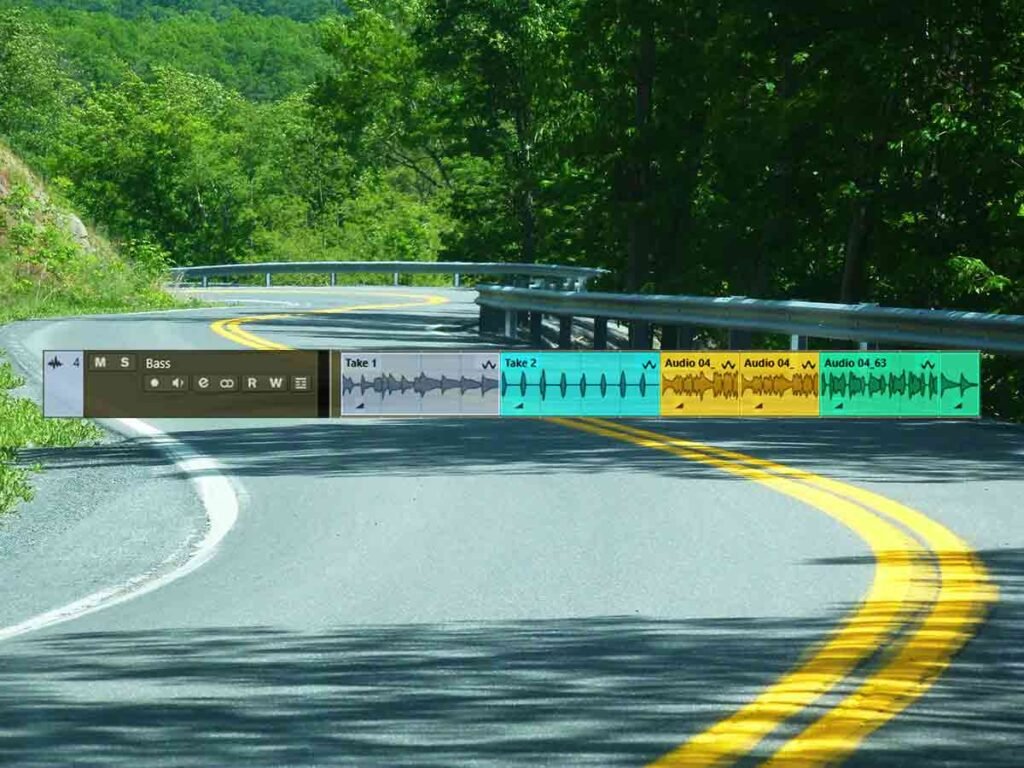
We set the channel to mono before we recorded the tracks on it. Now lets set it to stereo so that its ready for any stereo plugins we might add to it later on. Now we preview it on stereo mode it is still the same. But the stereo plugins will make it move in the stereo field.
Gate
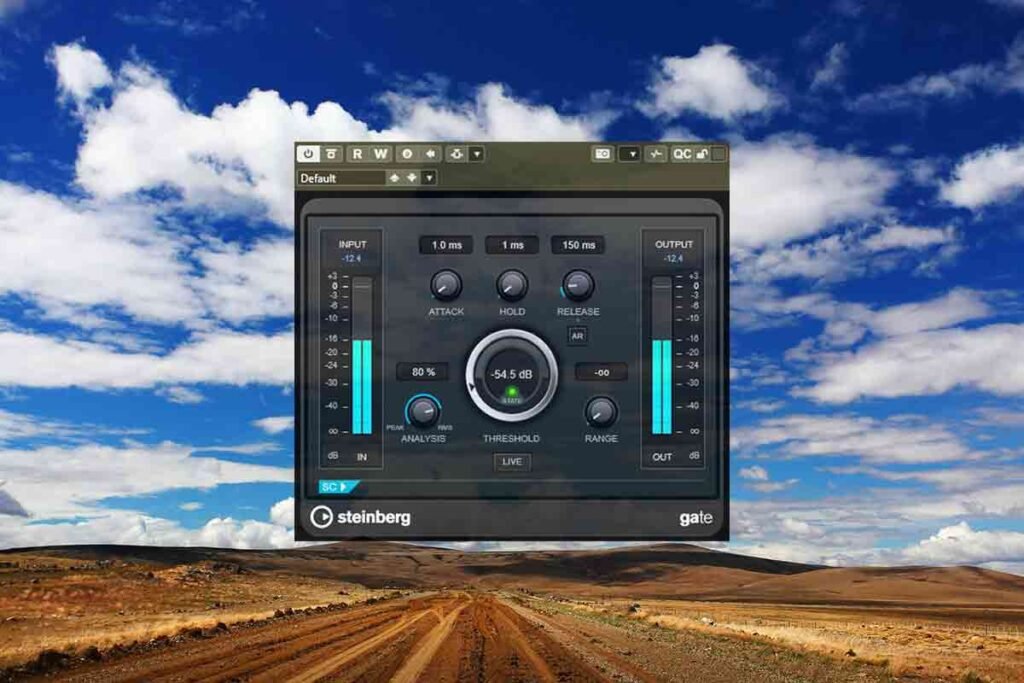
Lets put on gate on there first. This is great because it will cut anything below the threshold we set. It will create silences between the notes of the track. We can see the gate working because the light is changing colour while the track is playing.
Compression, Equaliser and more
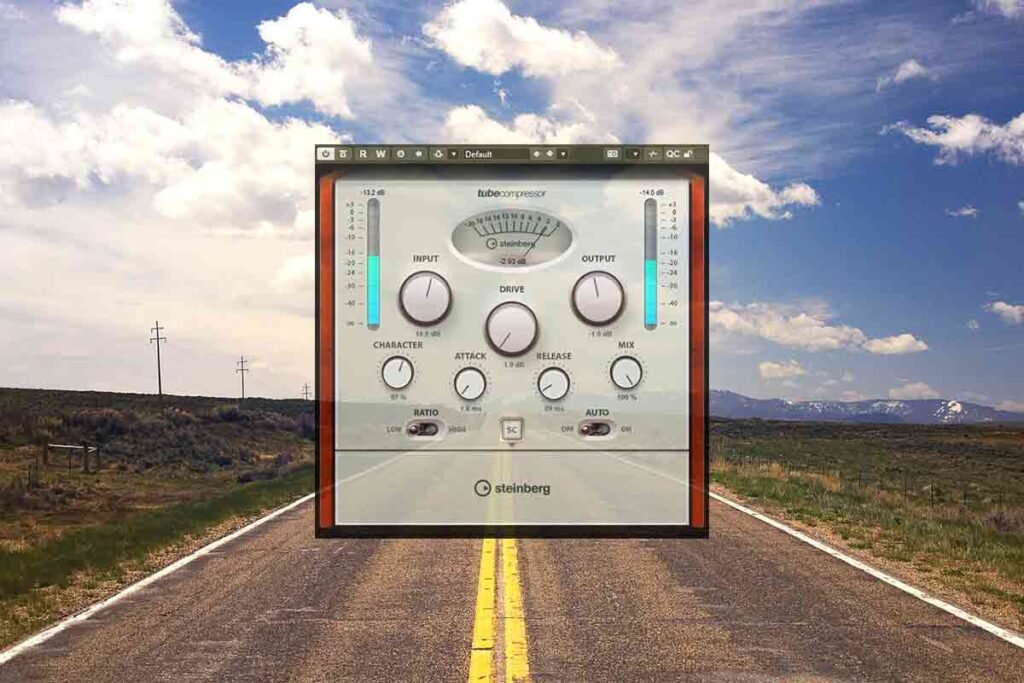
Now lets balance the track with some compressors. We can set up a fast compressor and then a slow compressor. And a can just drop about 2db on each. Then we can use an EQ to boost frequencies of the track. We can also add Frequency in dynamic eq mode to side chain boost the kick and a saturation plugin too.
Bass Lane
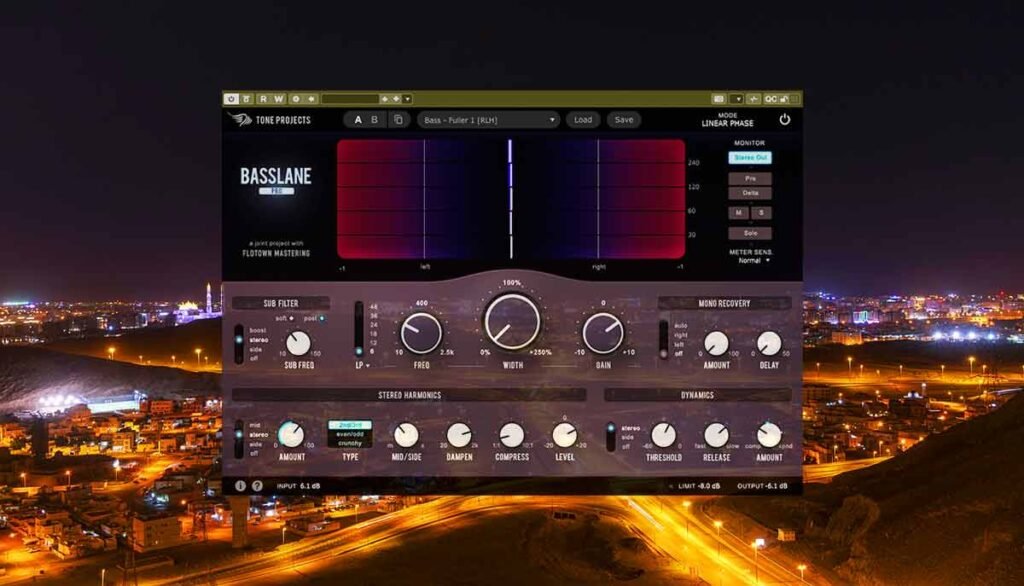
Now the track sounds very good. Lets add Bass Lane and check out some of the presets. This adds harmonics to the track and makes it stereo. The bass sounds a lot clearer in the mix because of the harmonics and stereo movement.
About the Author