

The channel strip is great because it makes mixing feel seamless. There are so many things we can do with the channel strip and we can do them fast. Lets look at the channel settings window and talk about the best things about it.
Equaliser
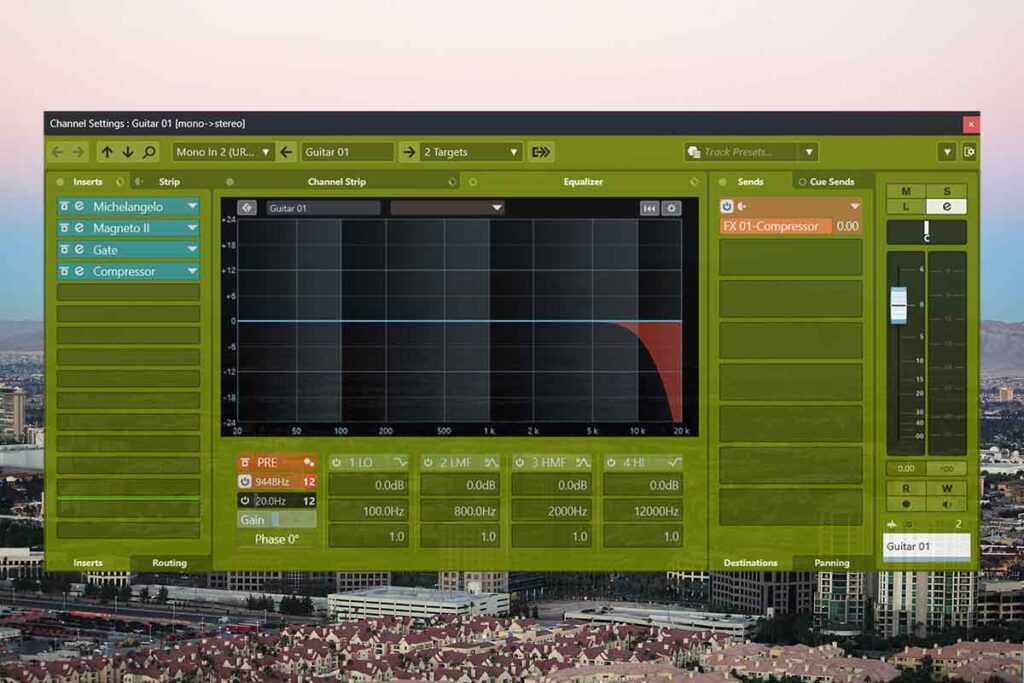
Its great that we have this in the channel strip and its fully featured with presets. We can open the the channel strip with the E button and add a high pass or low pass filter. We can lower the pre gain on those audio tracks for our gain staging. This is great to get our tracks to the best quality.
Inserts | Channel Strip
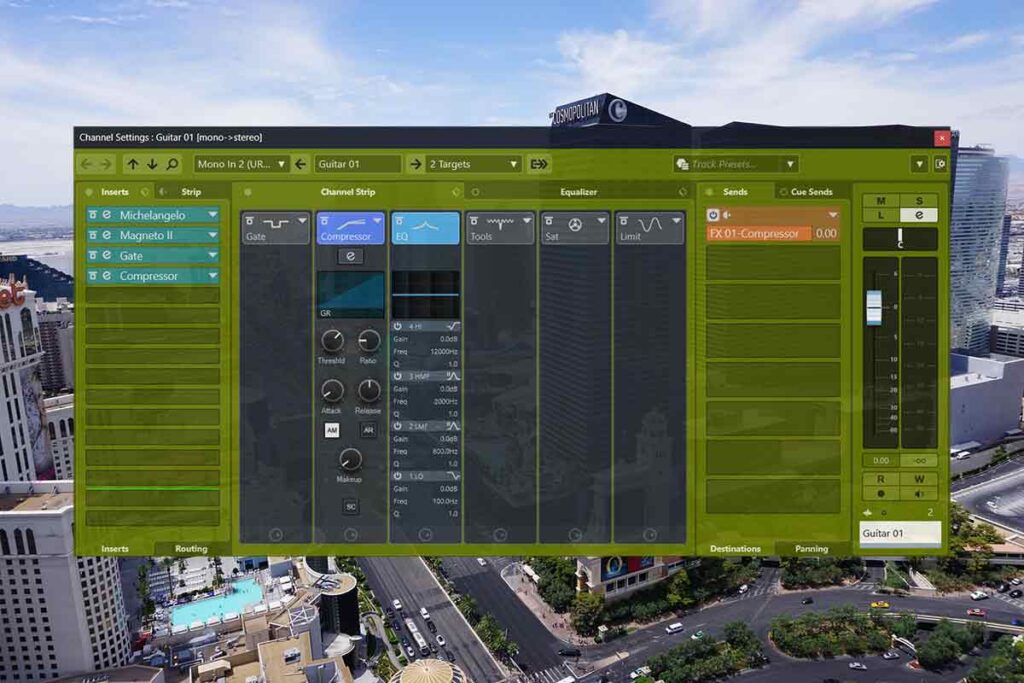
Here we can see all of the effects on the track. We can add more effects to it and load an effects chain from here. We can also bypass the effects or bypass the inserts. Its very good.
Sends
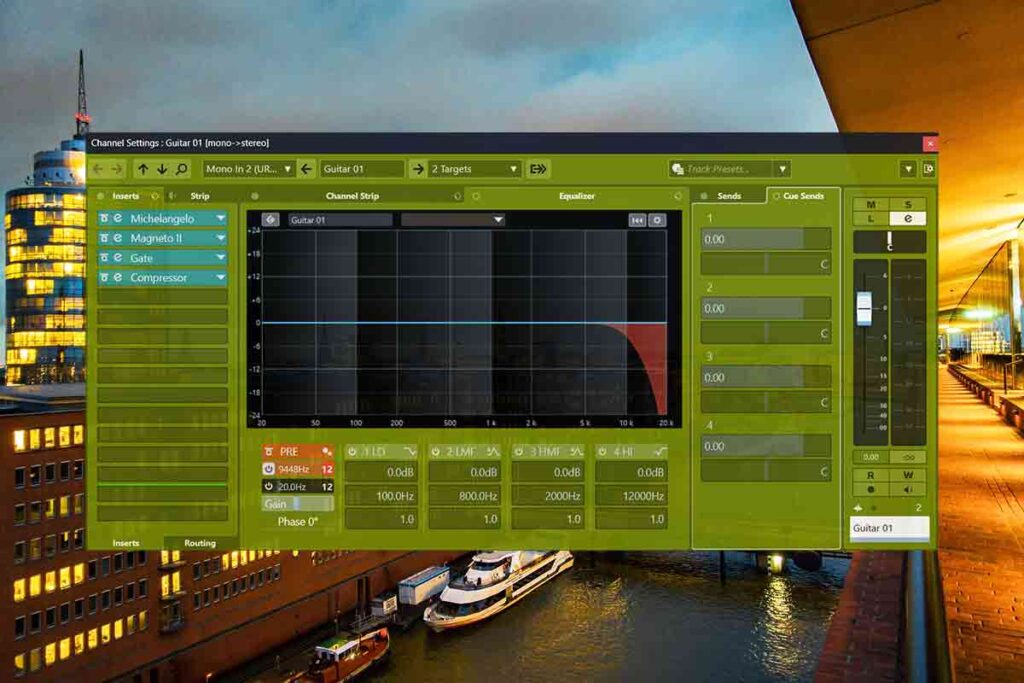
We can see where the tracks are going and add send effects on the side panel on the right. It lets us adjust how much volume it lets the track send to the effect. There is also cue sends if we want to set this up to play our commercial reference track.
Output
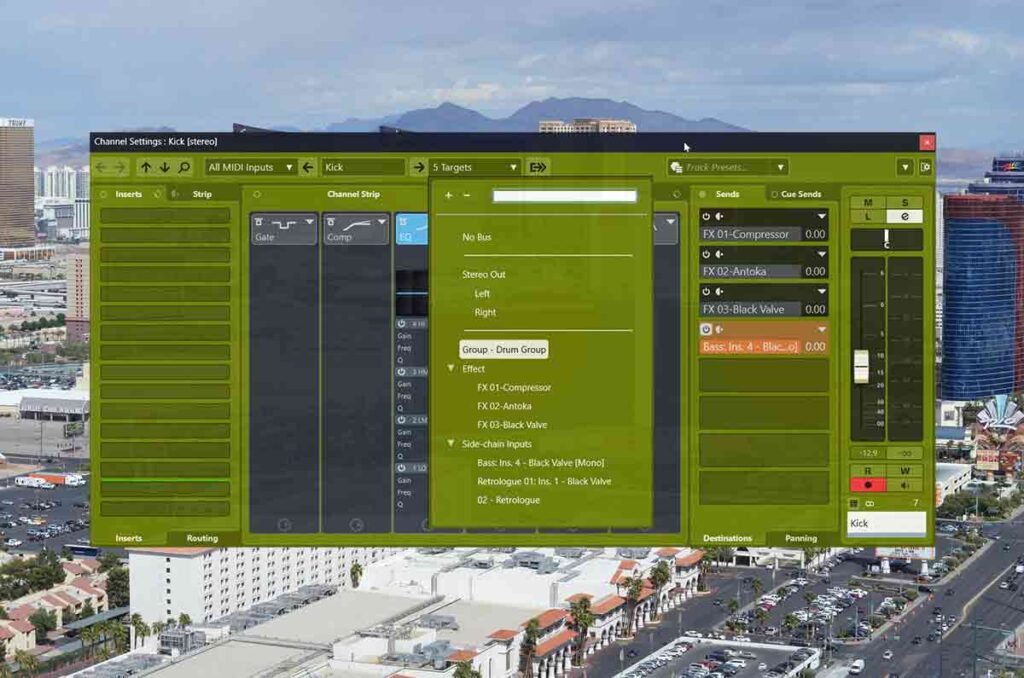
For example, we can change the output of our drum track to the drum group. That drum group goes to stereo out but it also has our drum bus effects on it. We have saturation, reverb and compressors on this drum group. This with glue our drums together for the best quality track.
Channel Strip Effects

This is the fastest way to add compression and saturation to the tracks. And quickly give the guitar tracks an extra boost in volume for example. Its also great that there is an envelope shaper just to add that extra volume and harmonics quickly.
About the Author