

We are making a new track on the laptop computer because we’re going out of town and we don’t have the computer. We’ll need to minimize the cpu and ram usage a little bit so that the project doesn’t jump too much. The laptop has a bit less computing power than the computer and less electrical power. So we’ll need to do things like freeze tracks to free resources. Lets see how we can make a great project on the laptop.
Transfer projects from computer
We’re leaving town in a few days so lets get transfer a couple of projects to the laptop. Lets open each project and click backup project. We have a shortcut to backup project which is Ctrl + B. It’s great because we have the option there to remove unused files and the backup will be smaller in terms of megabytes.
Transfer latest effects chains | Freeze Tracks
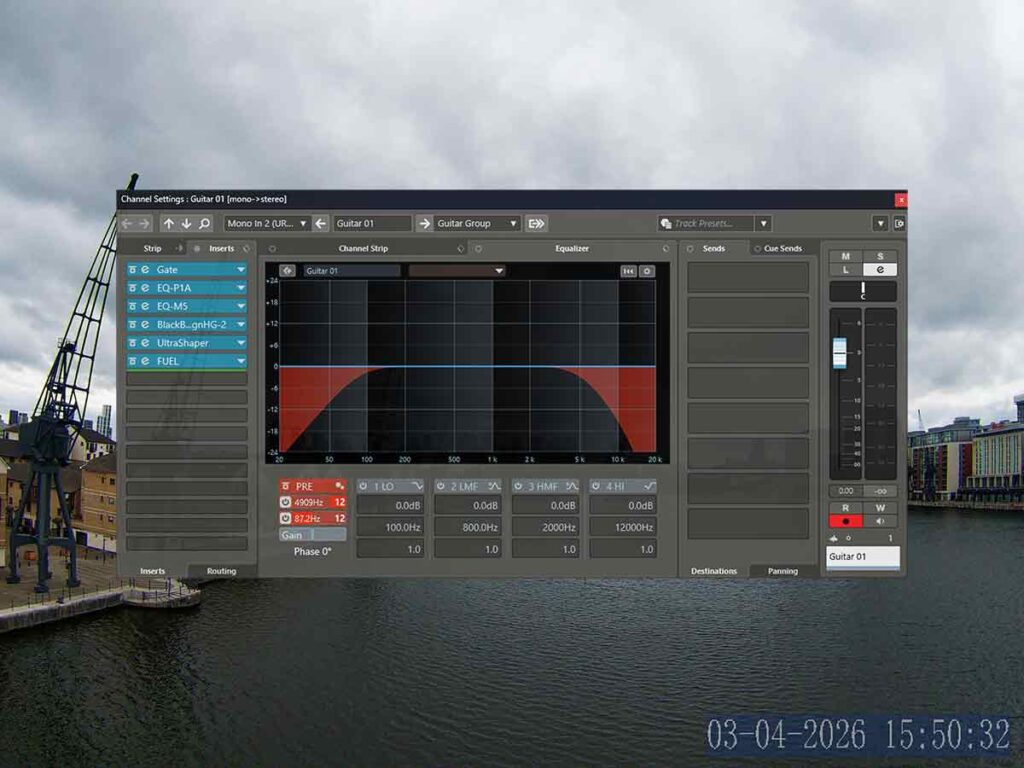
A great way to transfer our latest effect chains is to backup our latest project, open it on the laptop and then save the effects chains on there.
Experiment with new effects

Now that we’re on a new setup we should use the stock plugins again for a while. They use less cpu than third party ones and they’re really good to. We can tweak the effects chains and save them. Lets try new equalisers on the guitars, the new cubase ones are really really good.
Freeze Tracks
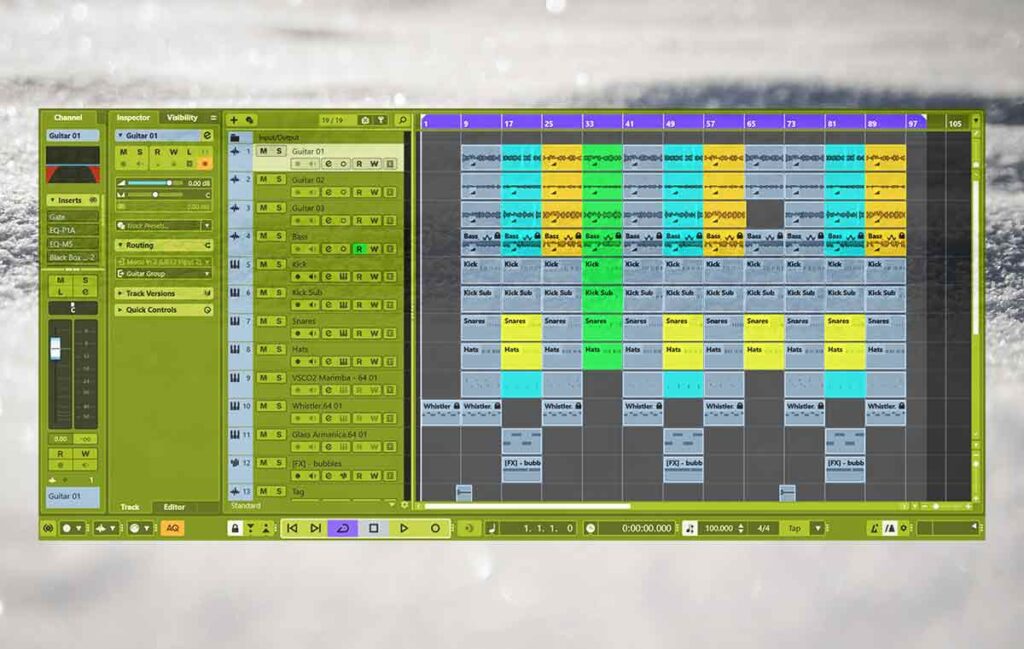
We should freeze the tracks because it will free up a lot of cpu power. I saved a keyboard shortcut to do it its the F key.
Master track
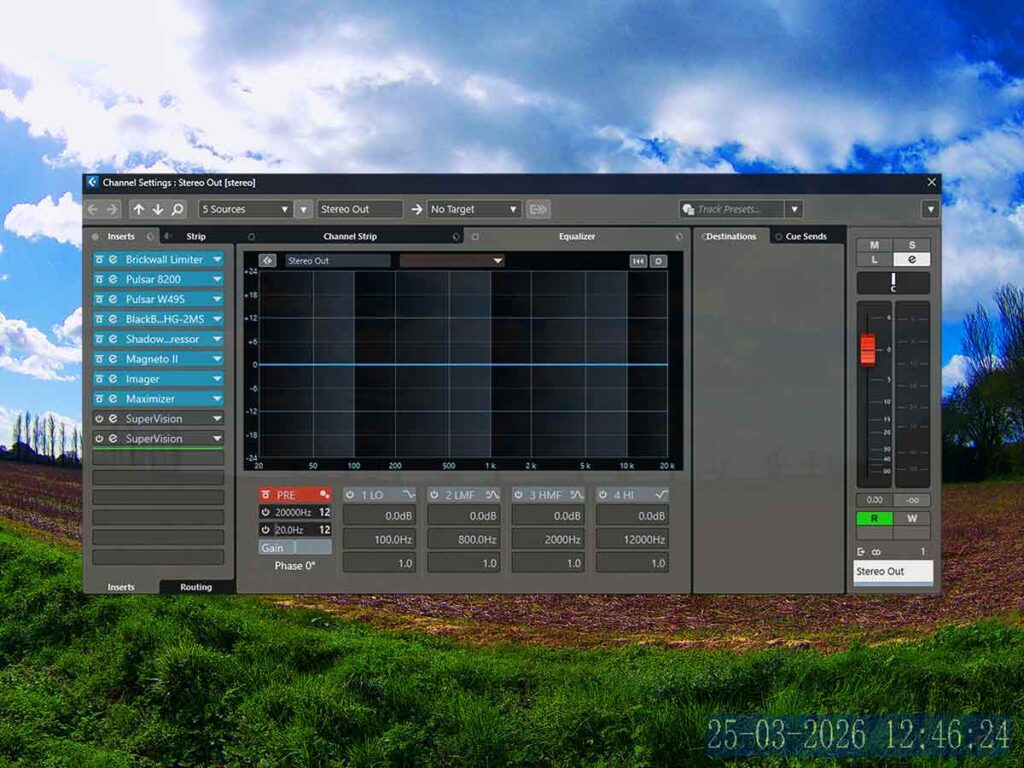
Now that we’ve almost finished the track lets master it with nice and efficient plugins. Its great but now we notice that the project is jumping a little bit because it has reached the peak. We can save this master effects chain and then delete the plugins from our master bus. We can load them back when its time to get the mixdown.
About the Author