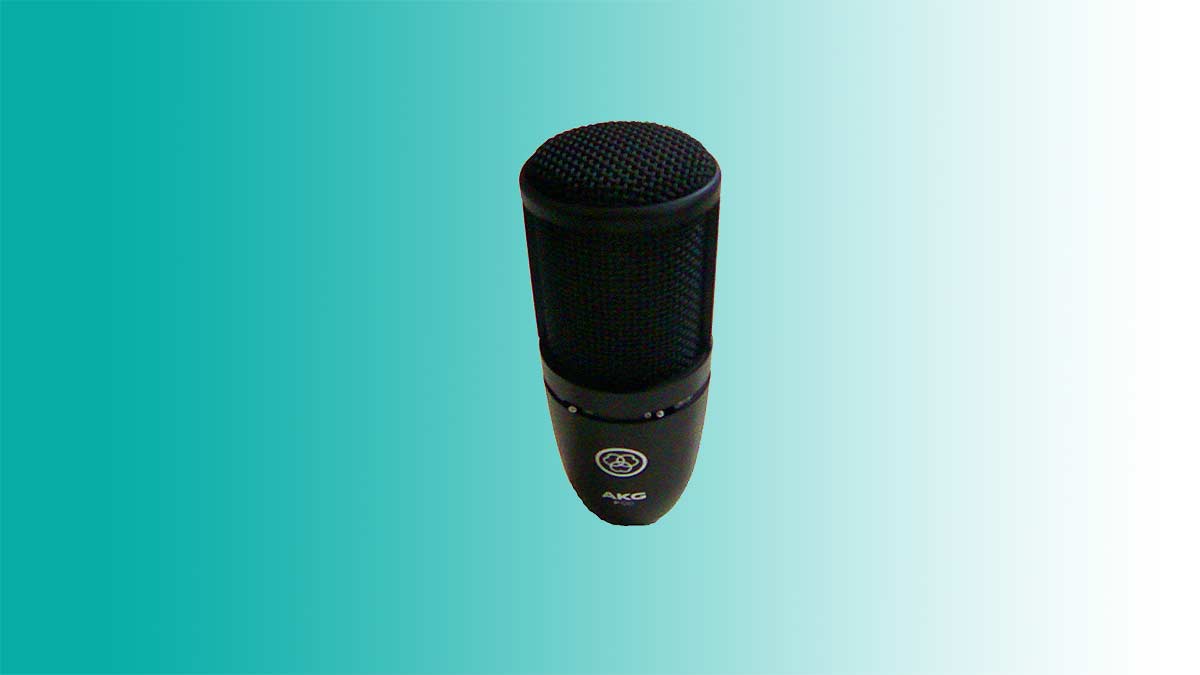
Lets record tracks with a microphone. We can create a project with both audio tracks and midi tracks. There are many great things to record from the real world as well as the digital one. So now lets talk about the microphone and see whats good about it.
Nylon String Acoustic Guitar
We recorded a lot of tracks with the Electro Acoustic Guitar so now its time to record the Classical Guitar. Lets set up the audio interface and position the microphone so that we don’t need to hold it. We can get a small table, place a spindle of CDs on it and place the microphone on there.
Guitar Microphone Noise Interference
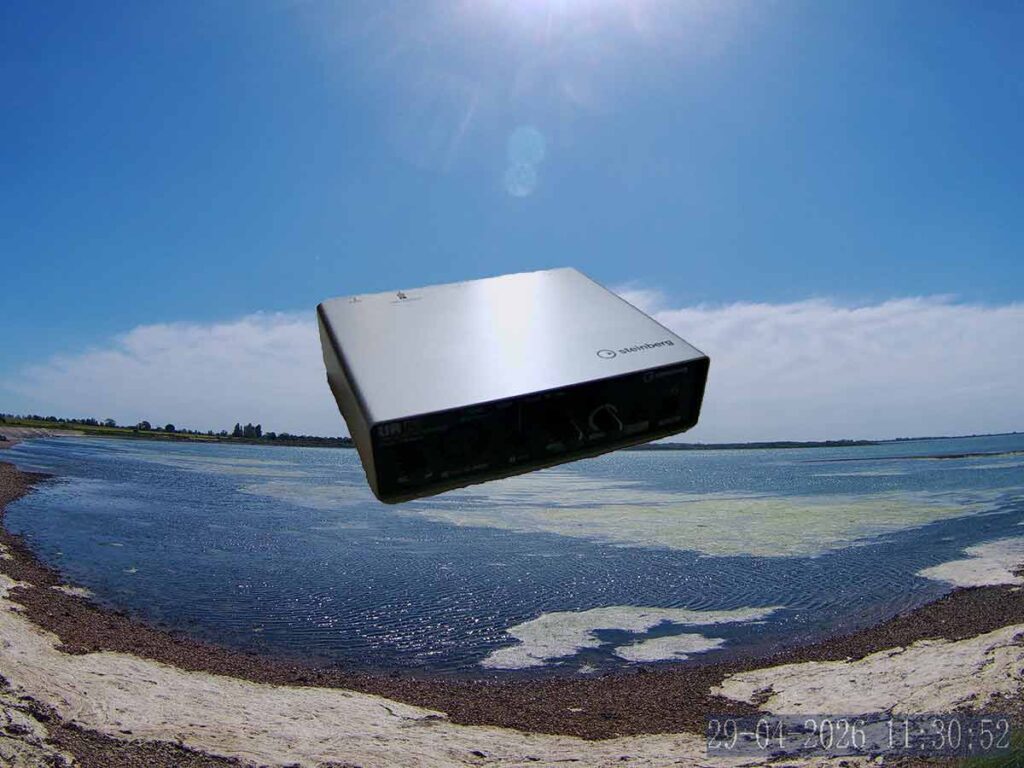
Its great that we recorded that guitar but there is a lot of air on the track. We’ll need to put the gate on it, cut frequencies with EQ and find ways to make it sound as quality as possible. We did the best we could in the recording phase, the strings we very close to the microphone.
Vocals | Microphone
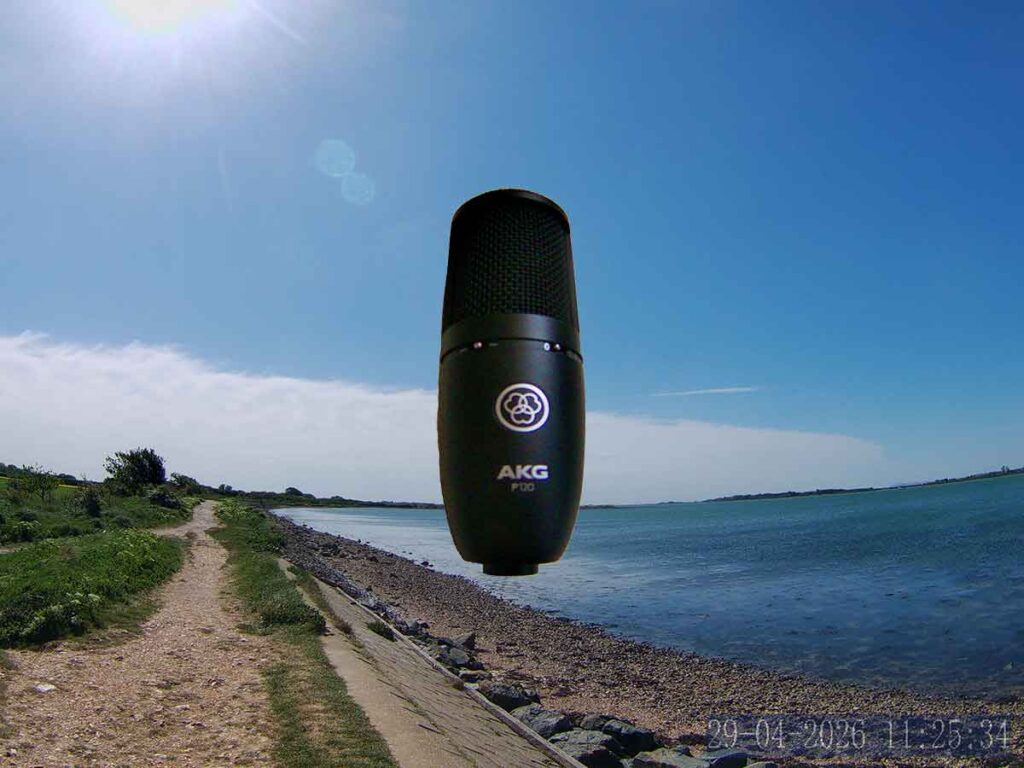
Ok now lets put away the guitar and guitar cables so everything is organised. Lets connect the microphone to the audio interface device with the XLR Cable and enable Phantom Power. Before we record the vocals lets enable the monitor to check the input volume. The level is good, now let disable the monitor and press record.
Vocal Chain
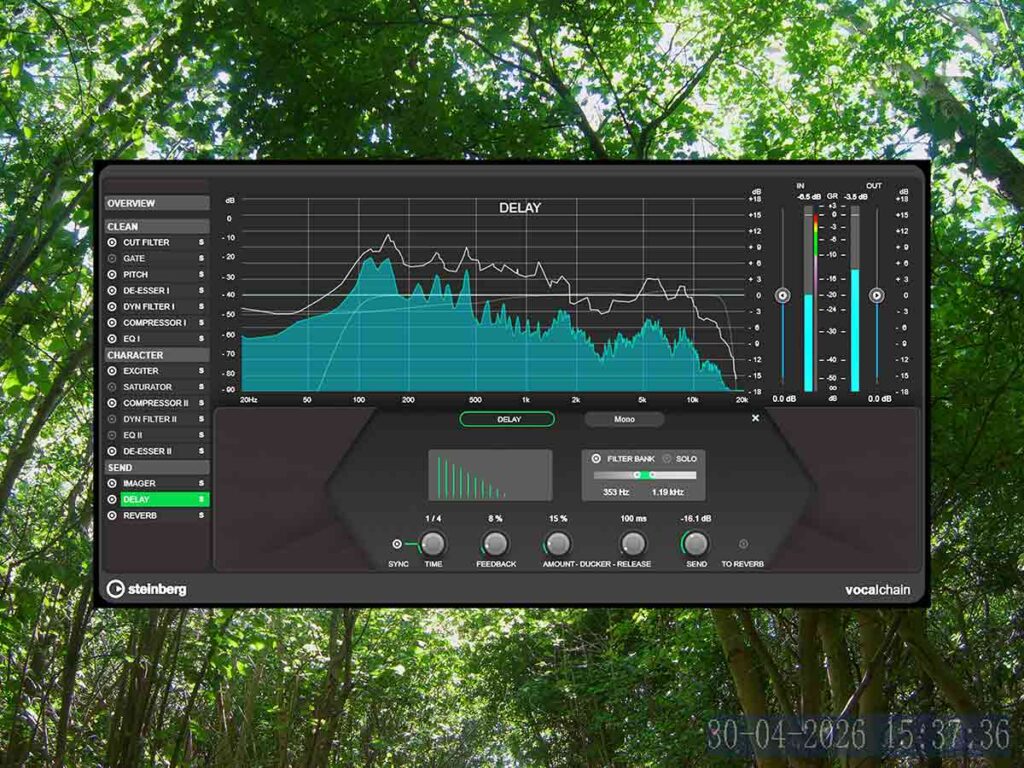
Thats a great new plugin in Cubase. It has all we need to process the vocals in a quality way. Theres a range of good presets so we can get a great vocal mix fast. It combines a lot of plugins together and enables us to tweak each one.
Tag
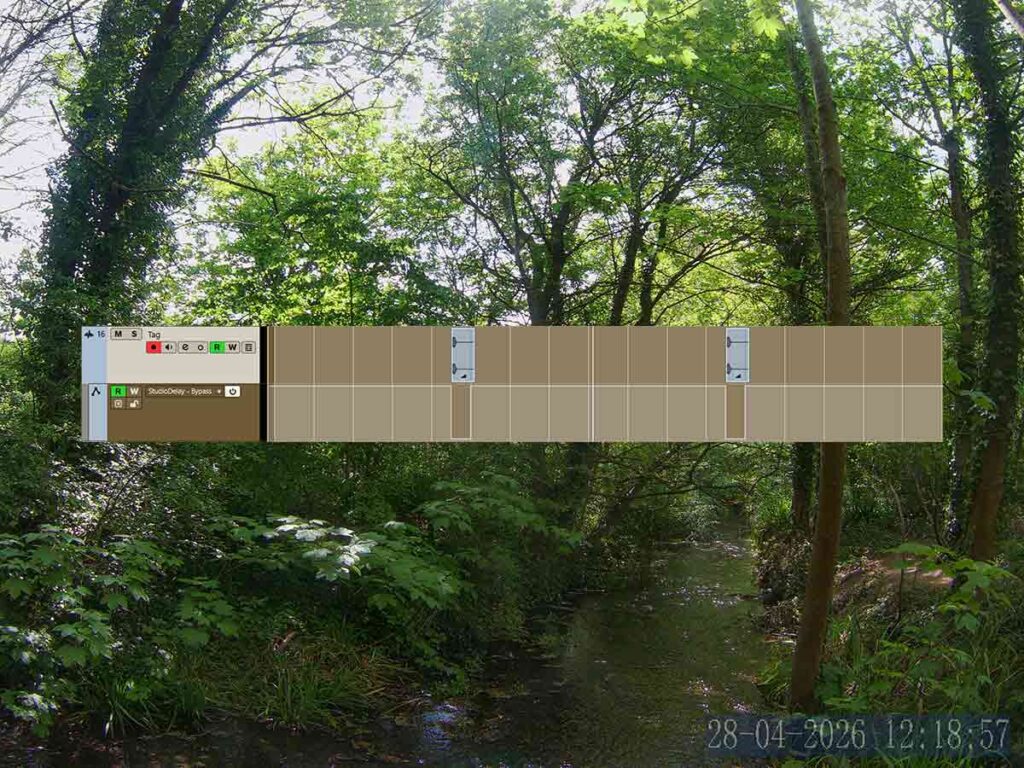
We can record some new tags with the microphone. A Cubase project named ‘Tags’. There are many good new Cubase plugins that can help us like the pitch shifter. It can change the pitch in real time and has some great presets.
About the Author