

Now that we’ve tuned the guitar it sounds great. There are many ways to tune instruments. Lets discover how to tune instruments and see why its good.
Tuning Situations

We should always check the tuning when we’re going to record guitars. If we’re just practicing the instrument we can tune the instrument off the other strings. The instrument might have held the tuning so we might not have to tweak it at all.
Tune Guitar with VST Piano

This is how I tune the guitar most of the time. It is great because its fast and convenient. We might happen to have a project active with a piano track on it. We can press the virtual keyboard shortcut Alt + K and then tune the instrument. If the project doesn’t have a piano we can add City Piano and tune it with that.
Tuner Plugin | Tune Instruments
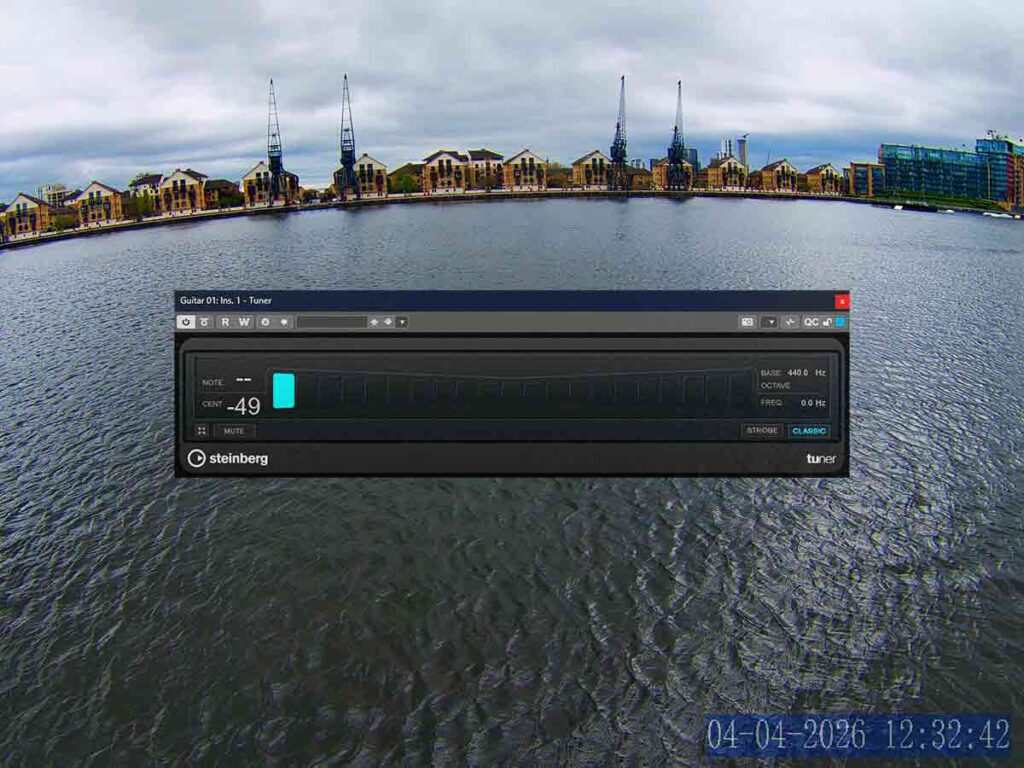
Thats a great plugin in Cubase its the best way to tune electric guitar or bass before recording it. We’ll need to enable the monitor button so that the tuner can hear the live guitar. Once we’ve tuned the instrument we’ll need to remove the tuner from the track inserts.
Acoustic Guitar Built-in Tuner
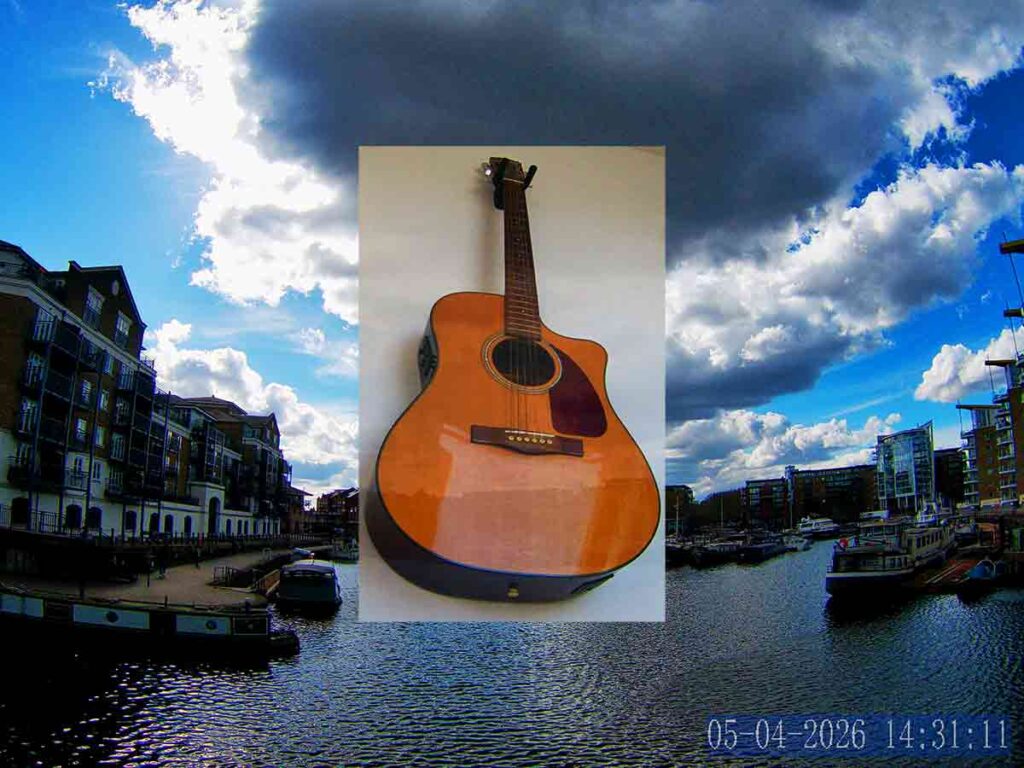
This is the best way to tune a guitar. We’ll just need to press the tuner button and then the tuner will appear on the screen. While the tuner is active the guitar won’t output any sound, so we’ll need to disable the tuner after we tune the instrument.
Concert Zither | Tune Instruments

There are many stings on this instrument and the tuning is based on the circle of fifths. Once we’ve tuned it to a piano a few times we can just tune strings off other strings on the instrument. There are 2 to 3 octaves of every note. We’ll need the tuning key to tune all the accompaniment strings and the fretboard strings have tuning pegs.
About the Author