
Now that we’ve learnt how to make tracks lets make the tracks. We can use Cubase to record and process the material. Lets look at the workflow and talk about how we can work.
Name Track

We’ll need a name for the track so we can save the project. The name might come to us while we’re finding a rhythm to record.
Record Guitars
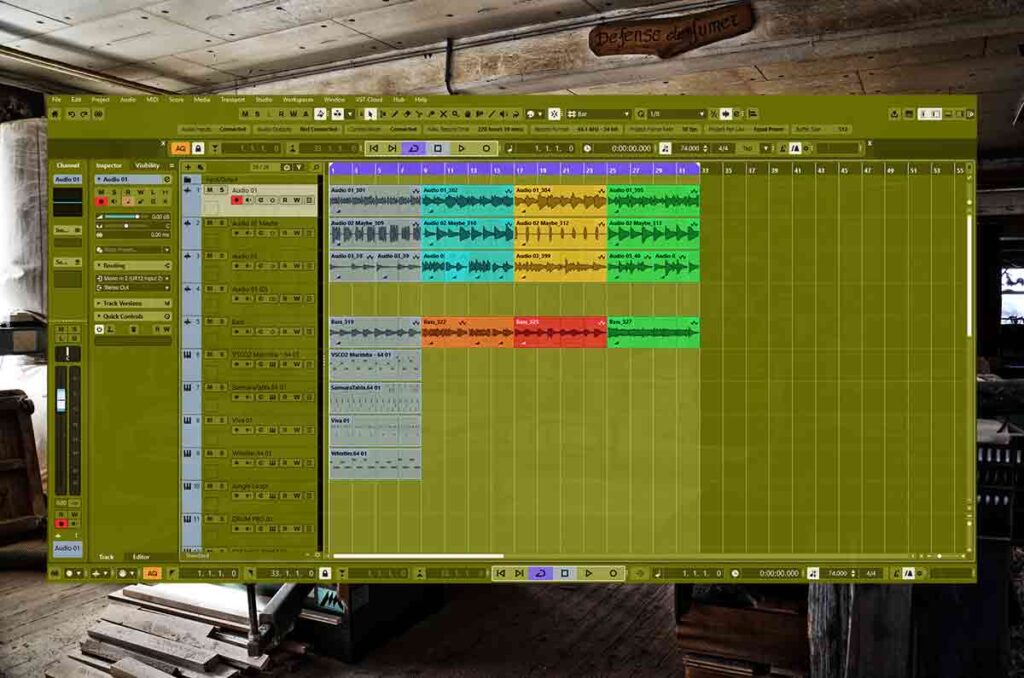
This is the first step because its requires the most focus and energy. Lets step up our audio interface device, guitar and switch our audio drivers. First lets find a rhythm that we’ve not already recorded and record that. Then lets record lead guitars on it. Also lets record different rhythms of the same chord pattern and record a second rhythm guitar.
Record Bass
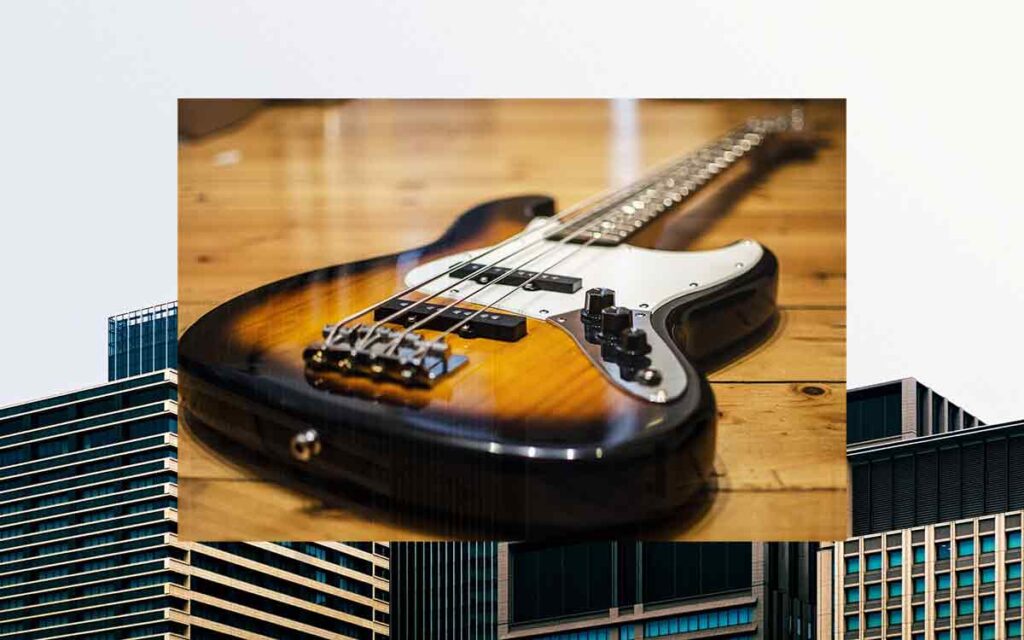
We should record the bass next because the audio device and cables are still out. Maybe we’ll record a melodic bass line that makes the bass guitar stand out in the mix. Or maybe something that just carries supports the rhythm of the track.
Re-Organise Studio | Workflow

Now that we’ve finished recording guitars lets put away the audio interface device, guitars and cables. We can switch the audio driver back to Asio4all and our bluetooth headphones.
Audio Warp
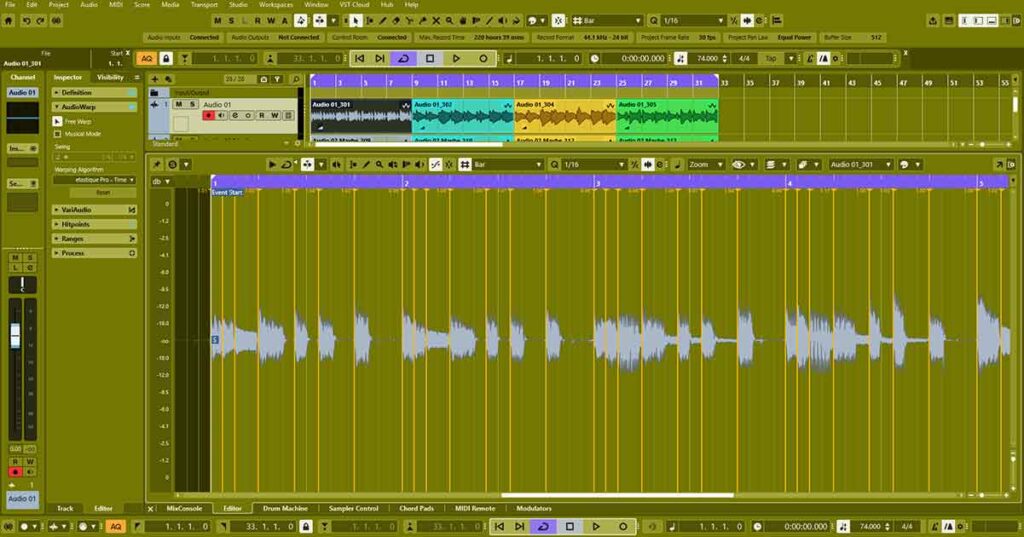
Now lets audio warp our audio so that its synchronized with the click. This might take about 15 minutes but its super worth it. After this we can close the project and leave it until the next session.
Copy Bass Guitar to Midi Instrument
We should back up the bass guitar so that our track has more sub harmonics. With Vari-Audio we can extract the notes from our bass guitar track and convert them into midi.
Record Midi instruments | Workflow
Now that we’ve got the audio tracks we should put midi tracks on it. We can record the keys, drums, extra lead instruments and percussion.
Last Work | Workflow
Now that we’ve recorded all the material we can mix it and structure it into a track. We can focus on the sound, create a drum group and decide on which plugins to use. We can clean up the guitar tracks with gates, silences and fades. Then we can master the track.
About the Author