The computer is great because it can run a digital music studio and we can use it to publish tracks online. The computer can emulate real studio equipment. Once we learn how to use a music program we can create tracks just as good as we could in the studio. Lets discover the computer and talk about whats good about it.
Cubase | Computer
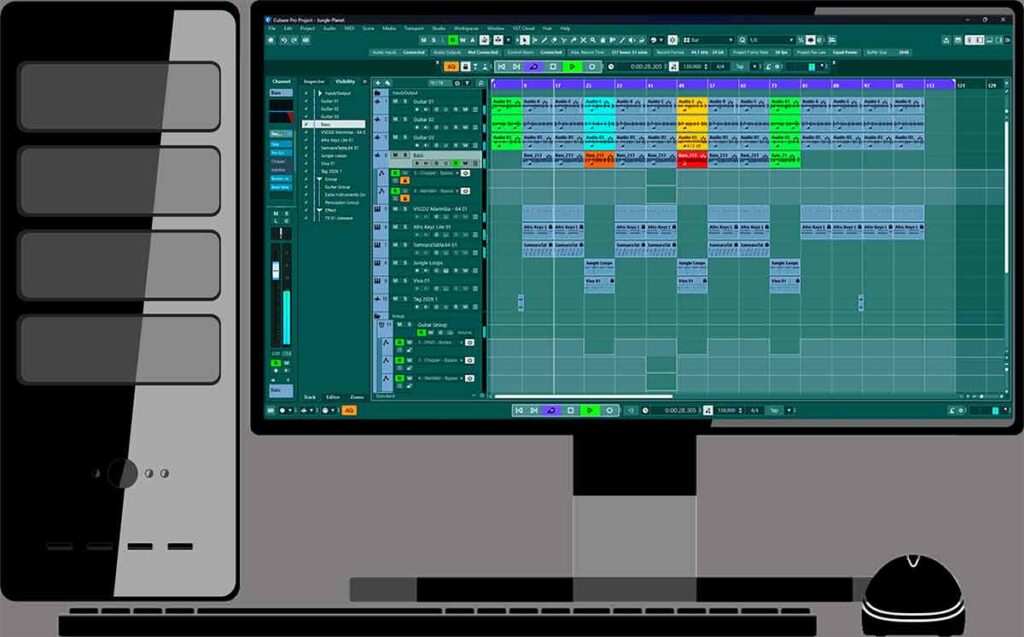
Cubase is the program we can use to record and process our tracks. We can read the online manual to find out how things work and see whats new in the latest updates. Cubase is also great for mixing, mastering and learning chords.
Computer Equipment
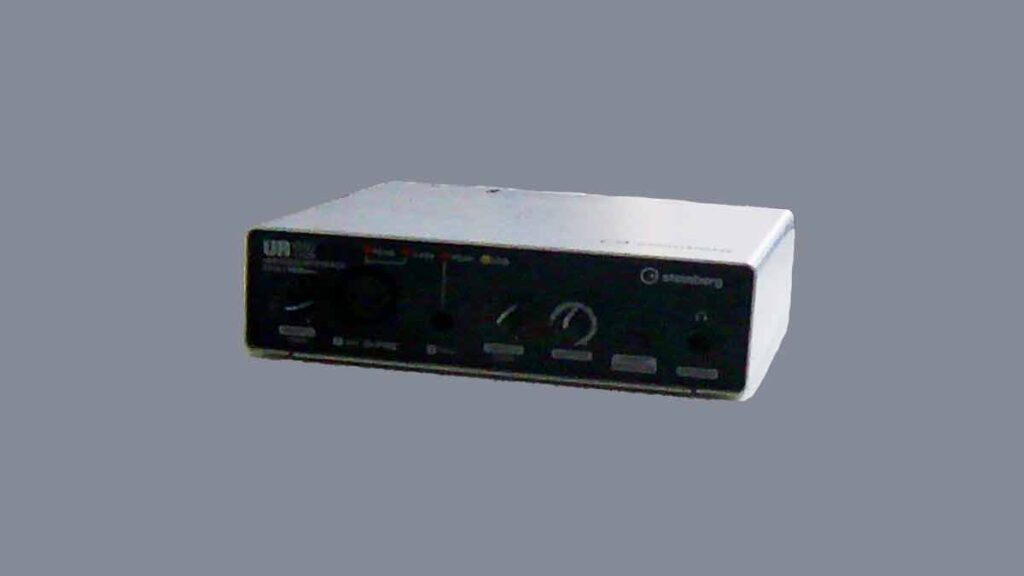
We use the audio interface to record guitars and vocals. The audio interface device transmits high quality audio to the computer. We have a midi controller so we can work with VST instruments on the computer. There are many great VST instruments that we can record on our projects.
FL Studio | Computer

We can use ZGameEditor to create videos for our tracks. It has a lot of great video effects built in that can react to the track. We can also import our own videos into this plugin. The best thing about it is the peak effects so we can see the live waveform of the track.
Photoshop

Thats a great program that we can use to help us create track images. We could start creating the track image on a website called Canva and then move the work into Photoshop. There are many ways we can enhance the pictures and effects to experiment with.
PowerDirector
We can convert our 4k scenery videos into 1080p videos so that FL Studio can process them more stably. They’ll also be faster to process and lower in storage size. It’ll be quicker to upload them to YouTube and Facebook.
About the Author