
We recorded some guitar blocks and they sound great. There are ways we can boost them in the mix by making them stereo. So first lets click the circle icon on the track channel to make it stereo compatible. Lets discover the best ways to turn these tracks from mono to stereo.
5. Ping Pong Delay
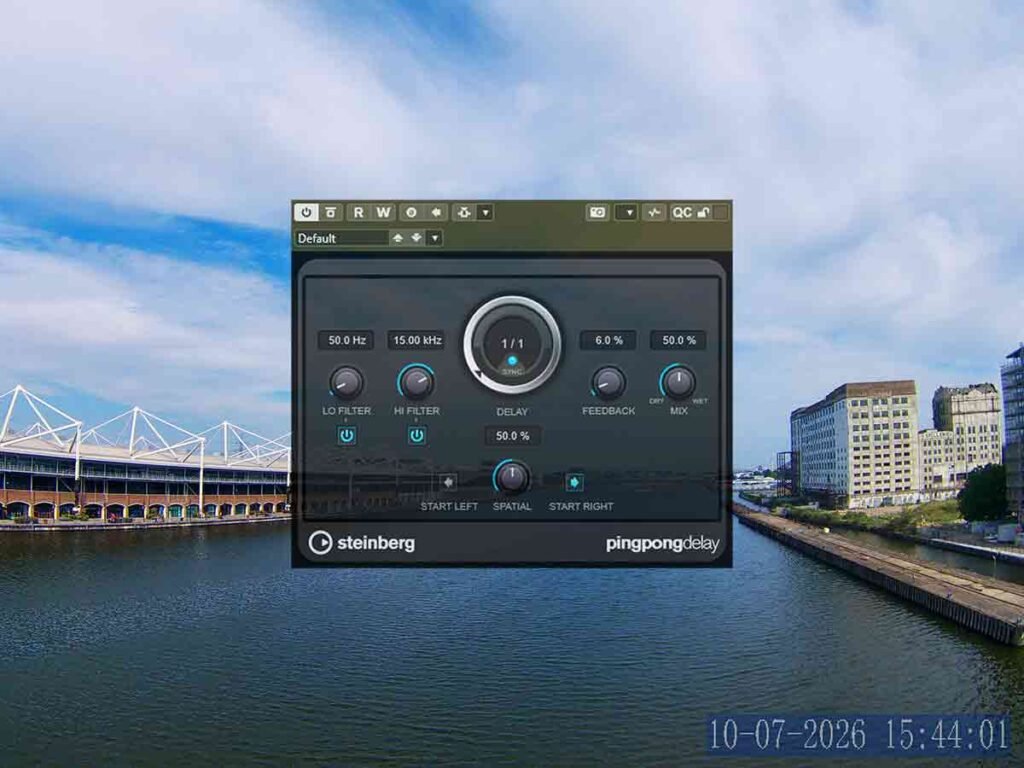
This is great on the tag because it can make it move around the stereo field. We can make it move the signal left to right or right to left. Its great on a lot of types of track. We can also use it on a signal that leans one way and make the delay start from the other way.
4. Autopan
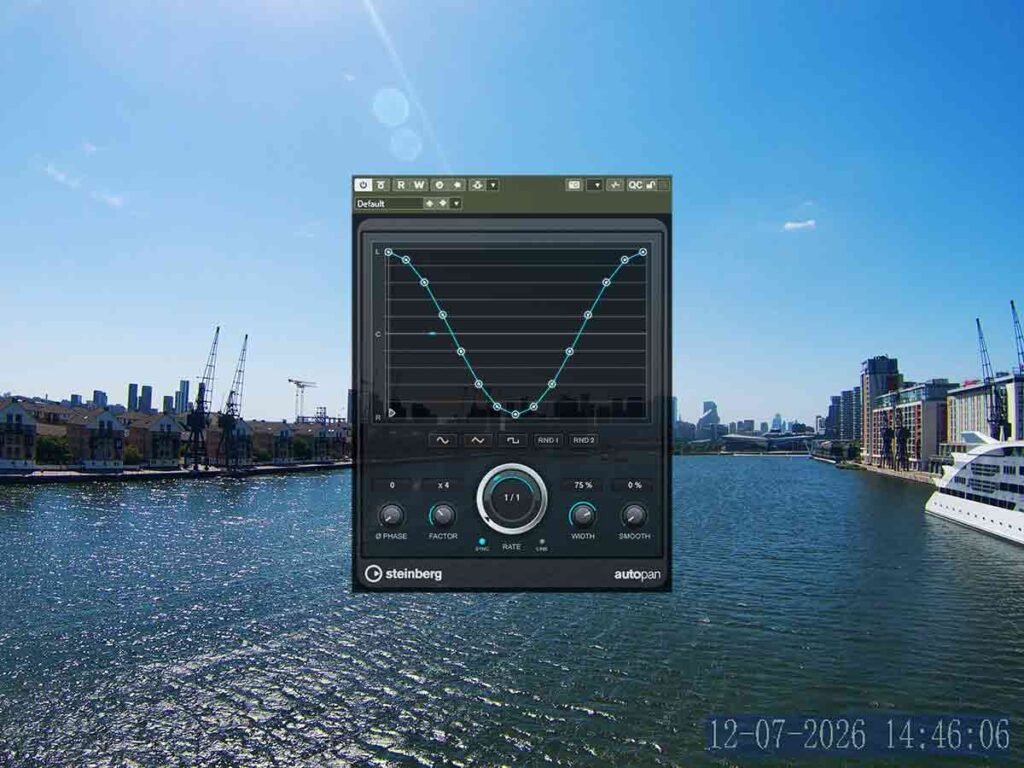
That works great on things like drums because it can give them more presence in the mix. We can set it up to synchronize with the project tempo and its really good.
3. Dr MS | Mono to Stereo
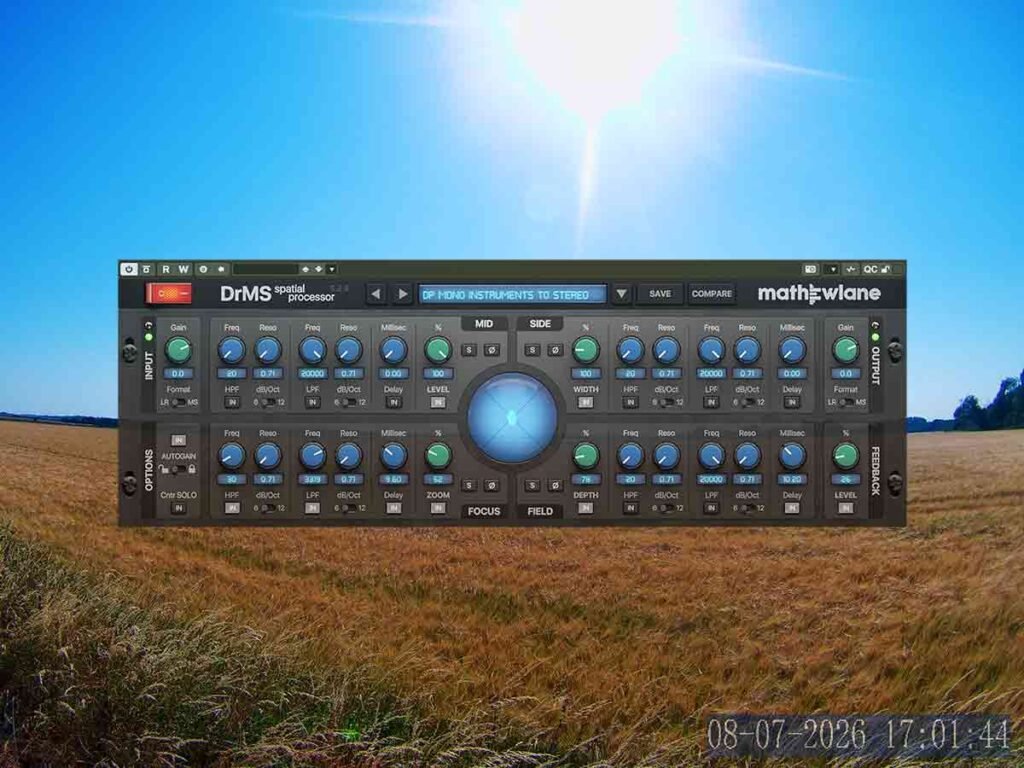
That sounds great on the guitar bus when all of the guitar clips are mono. We can work with the stereo instruments to mono preset. That adds some good width the the image and dynamic panning.
2. Roomworks SE | Mono to Stereo
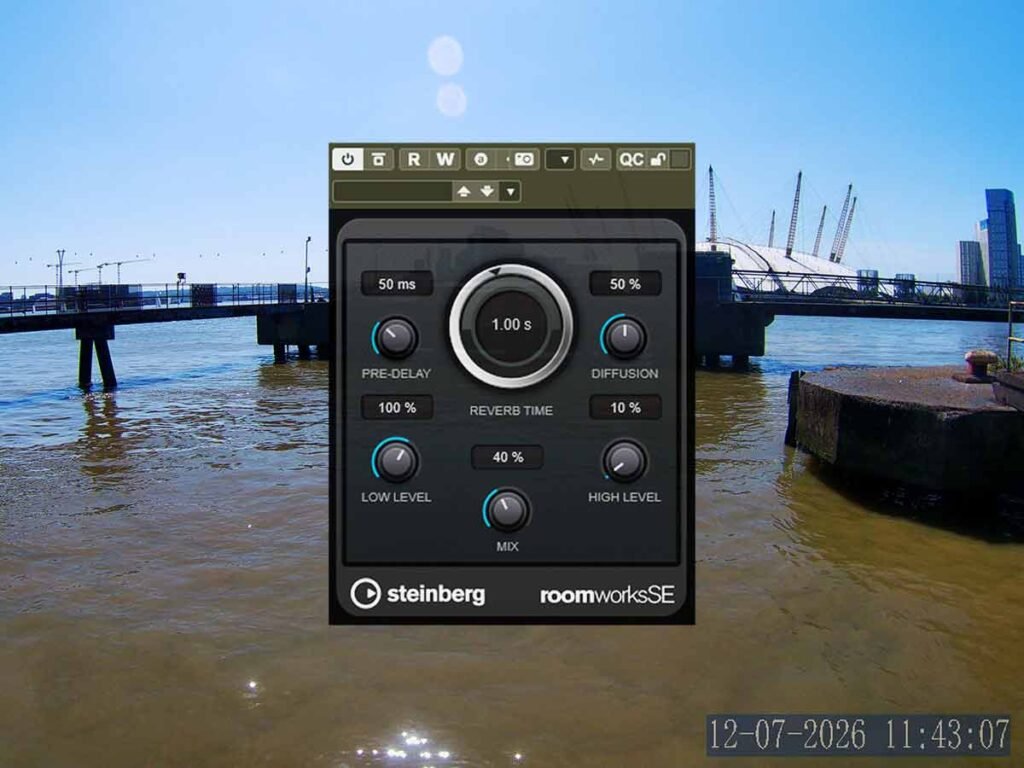
We can hear the full effect of the reverb because it shapes the mono signal into a stereo signal. Now our main rhythm guitar really has a lot more presence. We can hear it better while all the other instruments are playing. Lets try out some of the presets in this reverb because thats the fastest way to adjust all the settings.
1. Bass Lane
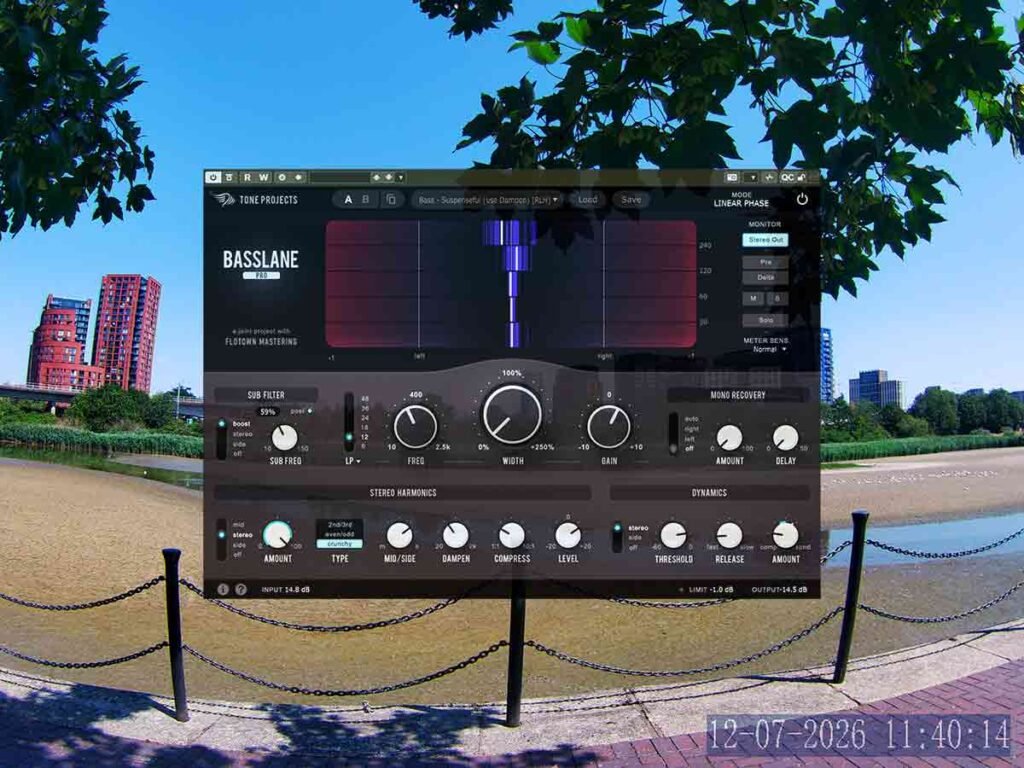
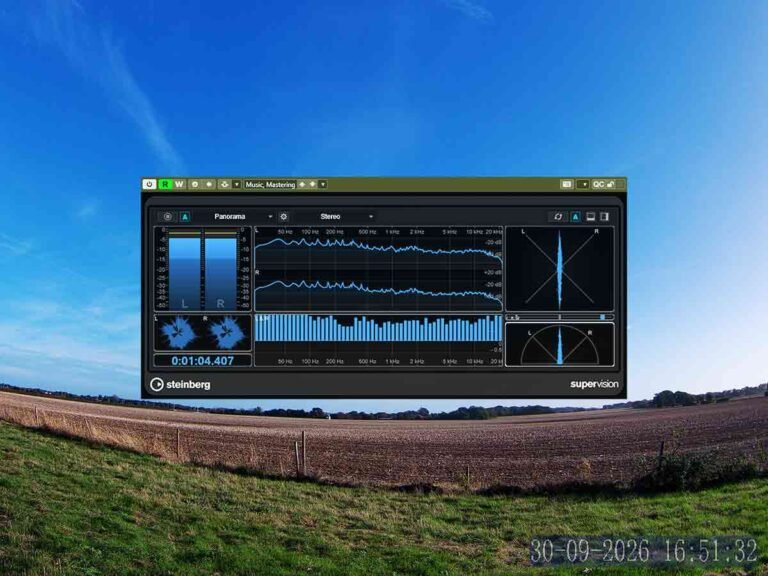
This is amazing for our bass guitar because its designed to make the bass stereo. The presets make the track sound wider and also add harmonics to the sound. We can see how it affects the stereo image on the graphic display. And we can check the stereo image with the multi correlation meter in supervision.
About the Author