Our tracks sound great but we can use visual references to help make them even better. There are many supervision meters and we can use them in a variety of mixing situations. Lets check out the best Supervision meters and see whats good about them.
Multicorrelation meter
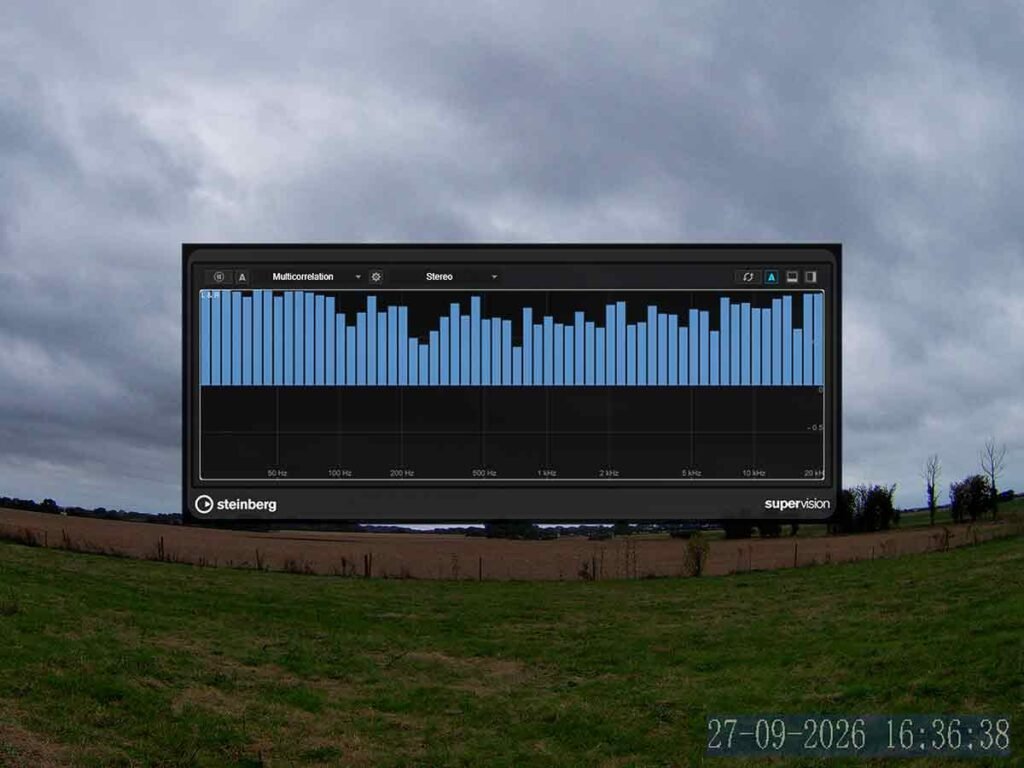
Thats great because we can check whether our tracks are too wide. If the bars go into the red that means that it goes out of phase and loses mono compatability. We can narrow our tracks with an imager or mid/side equaliser like Frequency 2.
Phasescope | Supervision Meters
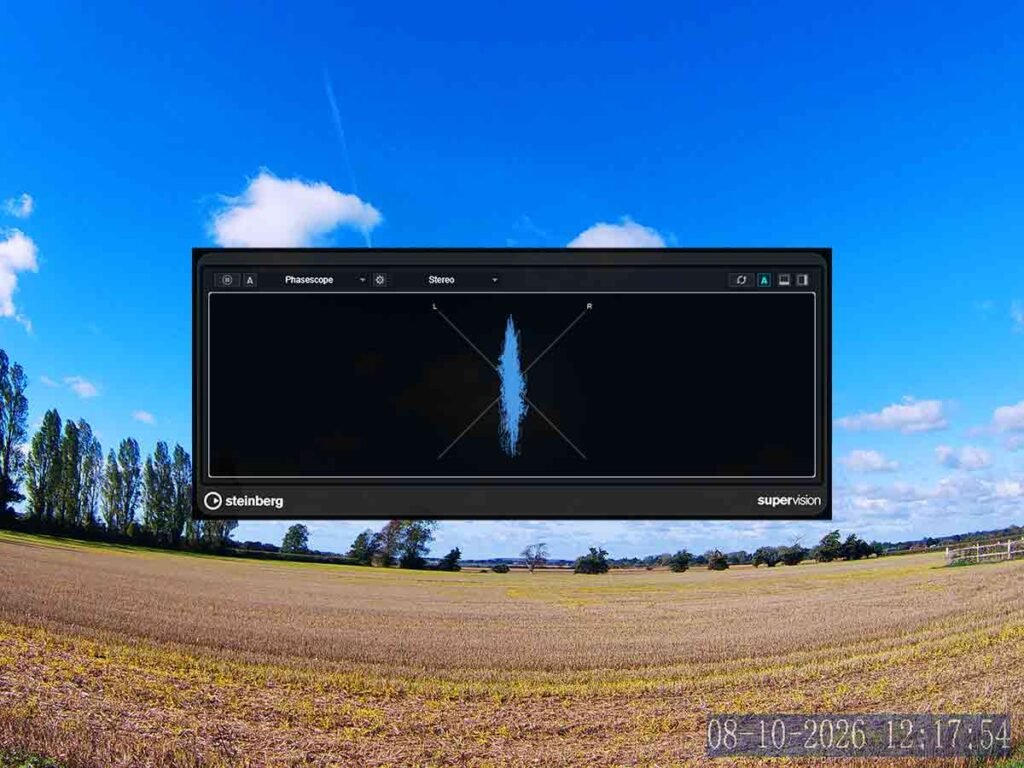
Thats very good because we can see the shape of our tracks. If the track has stereo information we will see it with this. Some tracks create really interesting shapes. If the track is mono we will just see a straight line. This is also very good to use on the mix bus to see how the full mix looks.
Wavescope
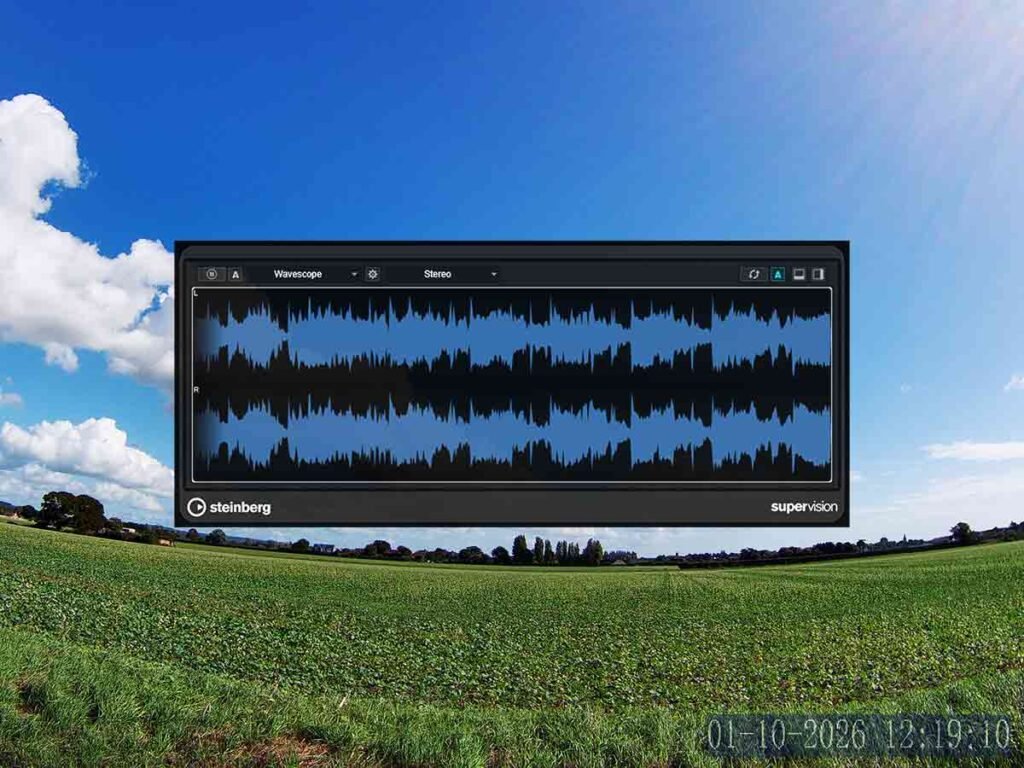
This is great because we can check the dynamics of our tracks and determine whether they are too dynamic or not. If we add reverb to the track it lowers the dynamics. If we add a compressor we can see how it tames the dynamics in real time.
Loudness Ratio | Supervision Meters
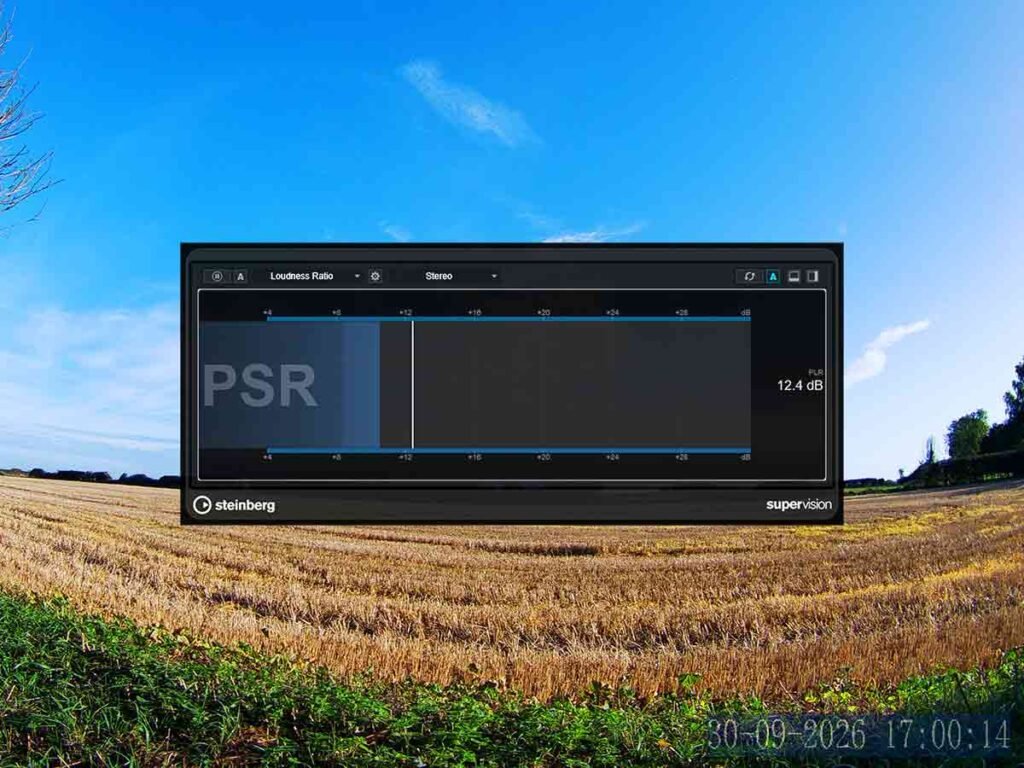
This can measure the tracks peaks and let us know if they’re too dynamic. A good number for the mix is between 12 and 13. We can use a brickwall limiter as our first plugin on the mixbus to tame the mix down to a lower PSR. That way the compressors can operate more naturally.
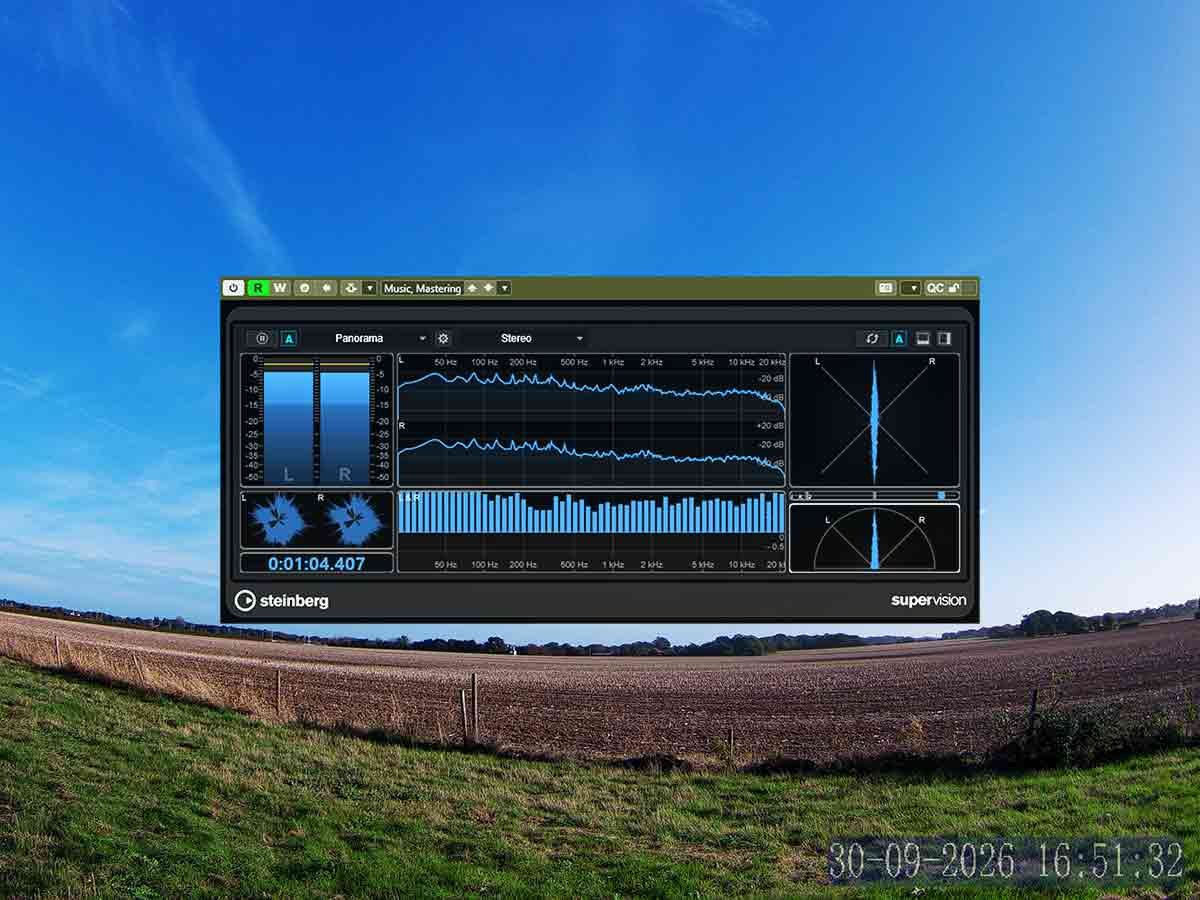
Panorama
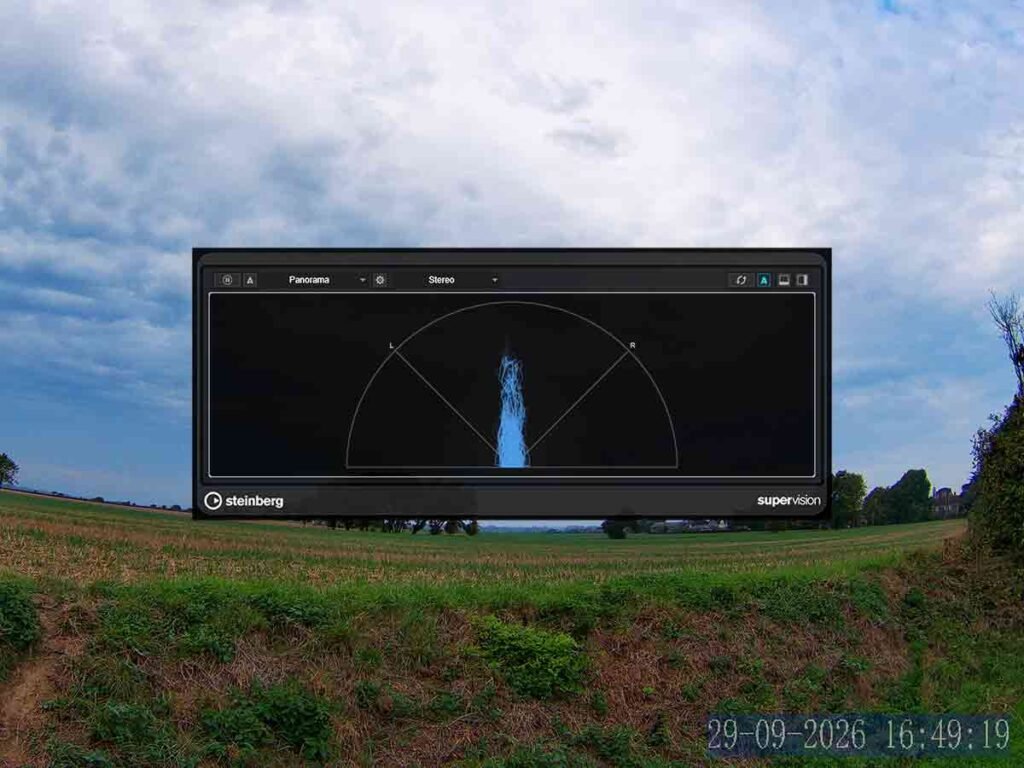
That is just like the phasescope except it uses more space on the screen and just shows half of the image. They’re both good and they show us what adjustments we should make to the tracks. They’re good for all sorts of stereo tracks.
About the Author