Lets start a new project by recording some guitar and bass tracks. After we get the clips we can audio warp quantise them. They’ll sound great and then we’ll just need to mix them to shape the sound. Lets explore guitar takes and talk about whats good about them.
Create Guitar Material
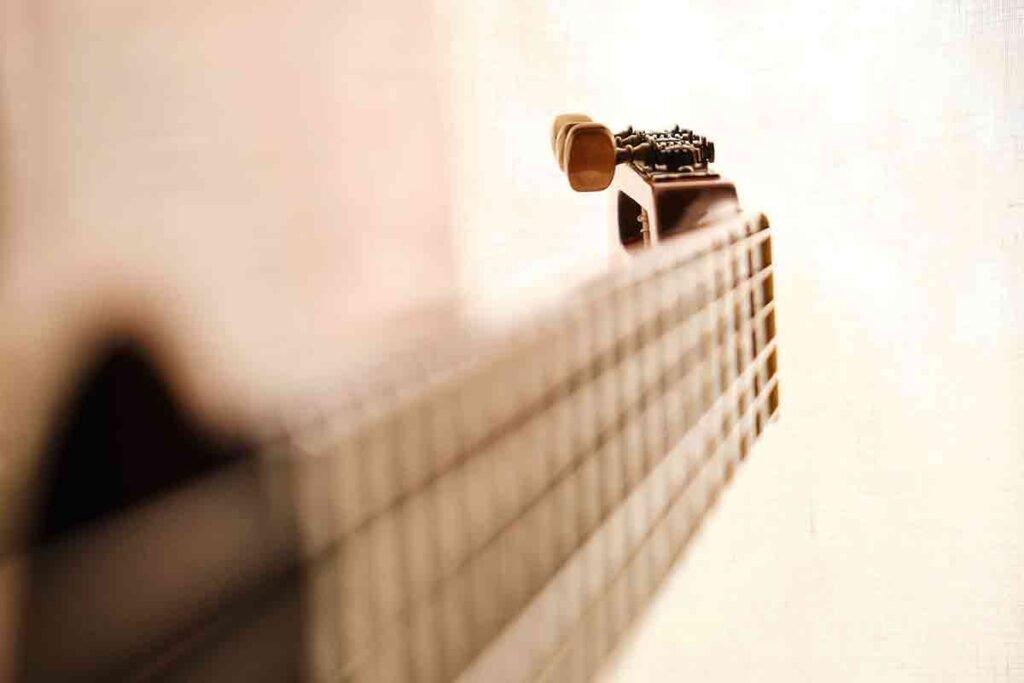
First we’ll need to create something to record. In this case lets start with the guitar and put some chords together. That sounds great we should get this and use it as the starting point for our track. After that we can get a second rhythm guitar and a lead guitar.
Nylon String Acoustic Guitar | Takes

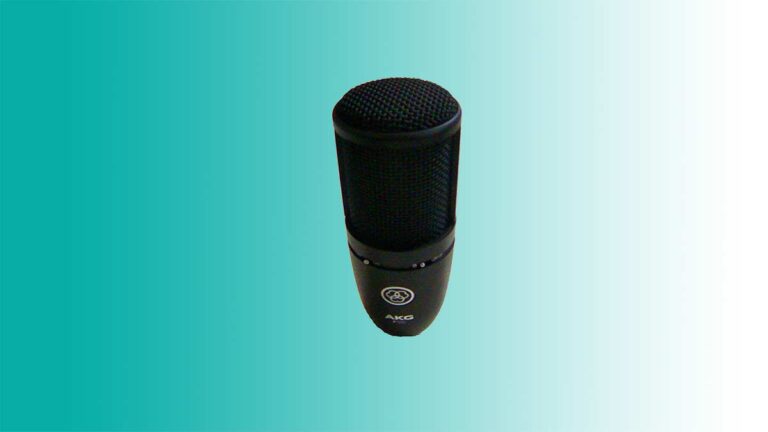
Lets get the microphone and set up the audio interface device. We can tune the guitar through the microphone with the cubase tuner plugin. Maybe we should close some windows to shut out other sounds. We’re playing the it right up close to the microphone and it sounds really good.
Bass
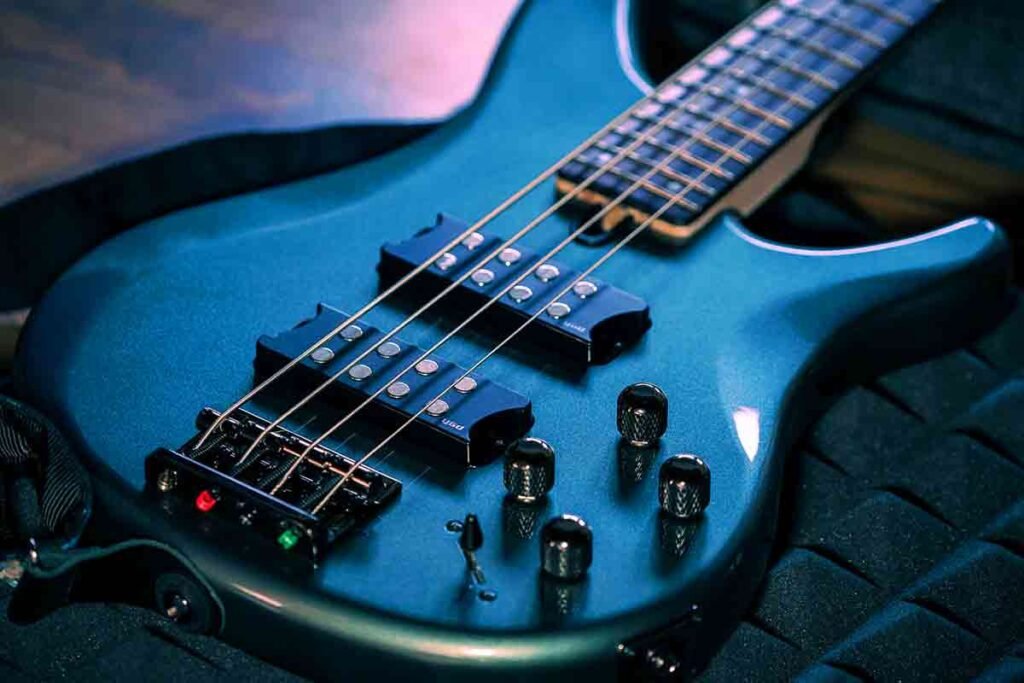
Lets get another tuner plugin and check the tuning for the bass. Now we can open the windows and turn the fan back on because we’re recording it through the line. Now we’ve recorded some bass tracks and we’ve made some good progress on this project.
Re Recording | Guitar Takes

We might buzz a note or miss a string by accident. So lets delete that track and get it again. We can just get one phrase of the bar at a time if need be. There are many shortcuts we use to get to the next take ready. The delete key, numpad 0 for stop and numpad * to record.
Process Clips

Now we have all of our audio tracks we should quantise them. Then once they’re quantised we can colour the tracks. After that we should start mixing the guitars so it sounds better when we’re recording the next instruments on the project.
About the Author