Very good, we have recorded some guitar and bass tracks. We have audio warp quantised them and mixed them. Now lets add some drums to this track. We can use Past to Future drum kit or drum samples via the sampler track. Lets find the best drums for our track and talk about whats good about them.
Drum Samples
We have a pack of drum samples on the computer. It probably has over 500 samples. Thats enough drum samples for years. We can search through the samples with the media bay and find good drums for our track. If we have control room enabled we can preview the sample along with our track.
Sampler Track
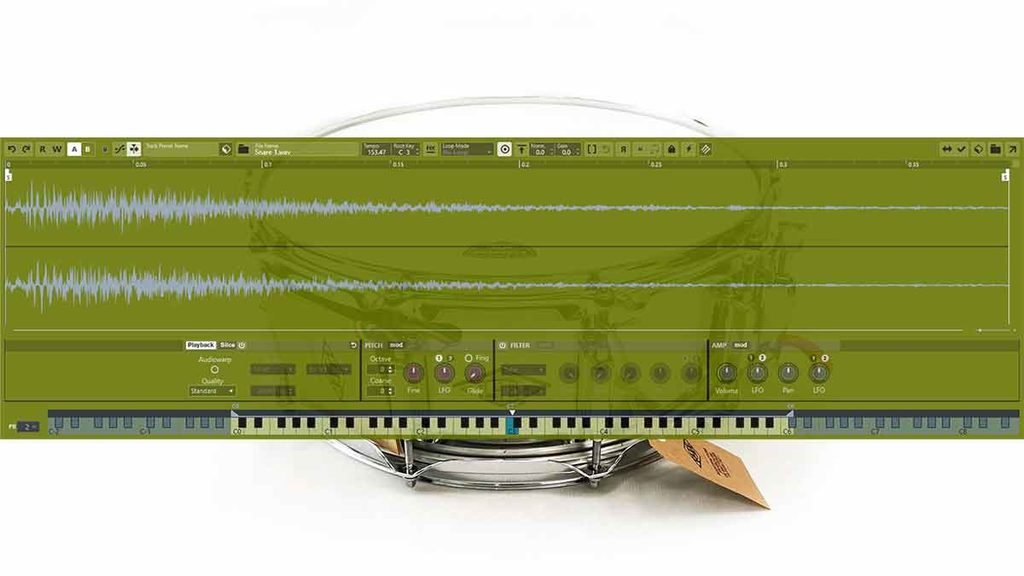
Once we find a sample we want to use we can right click it and then click add sampler track. This sampler track gives us a lot of ways to shape the sound of the sample. We can add a cutoff filter to the hats to lower the high frequencies. And we can also change the starting point of the sample.
Separate Tracks
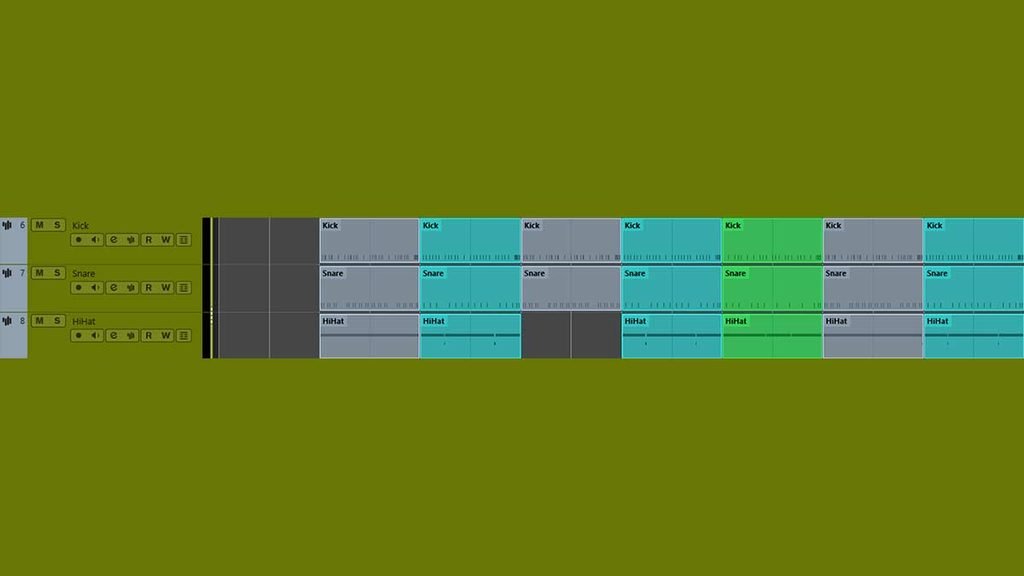
Its best that we separate the drum tracks so that we can adjust the levels individually. Then we can use the kick drum as a side chain source. We can give the snares and hats their own reverb. After that we can group the drum tracks into a drum bus and process them together.
Drum Bus | Past to Future
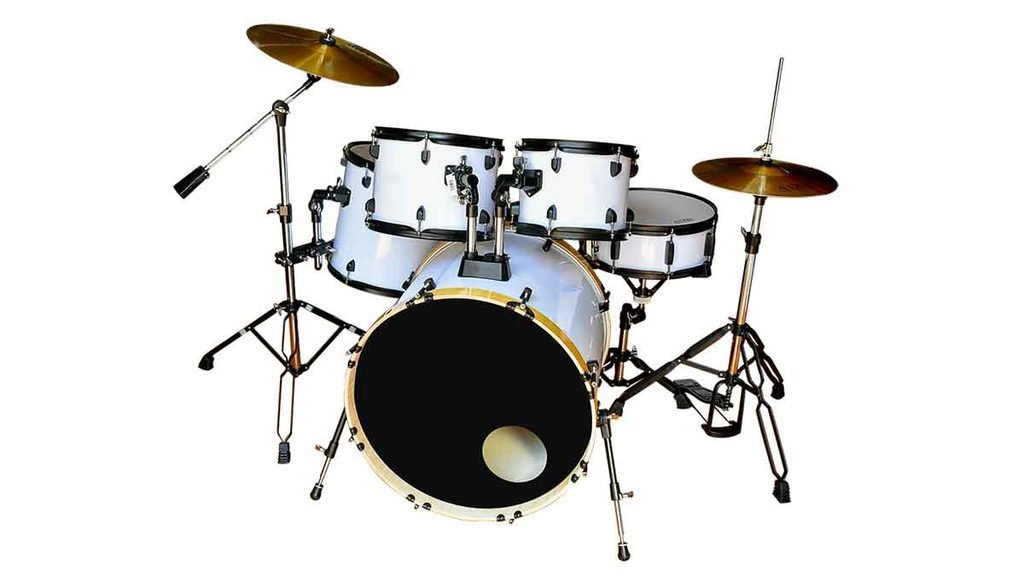
First we can add compression to the drums so that they sound balanced. Then maybe we can add some saturation like quadrafuzz to add some nice harmonics to the sound. And maybe we’ll automate in some modulation effects for some parts of the track to add that extra dimension.
Past to Future
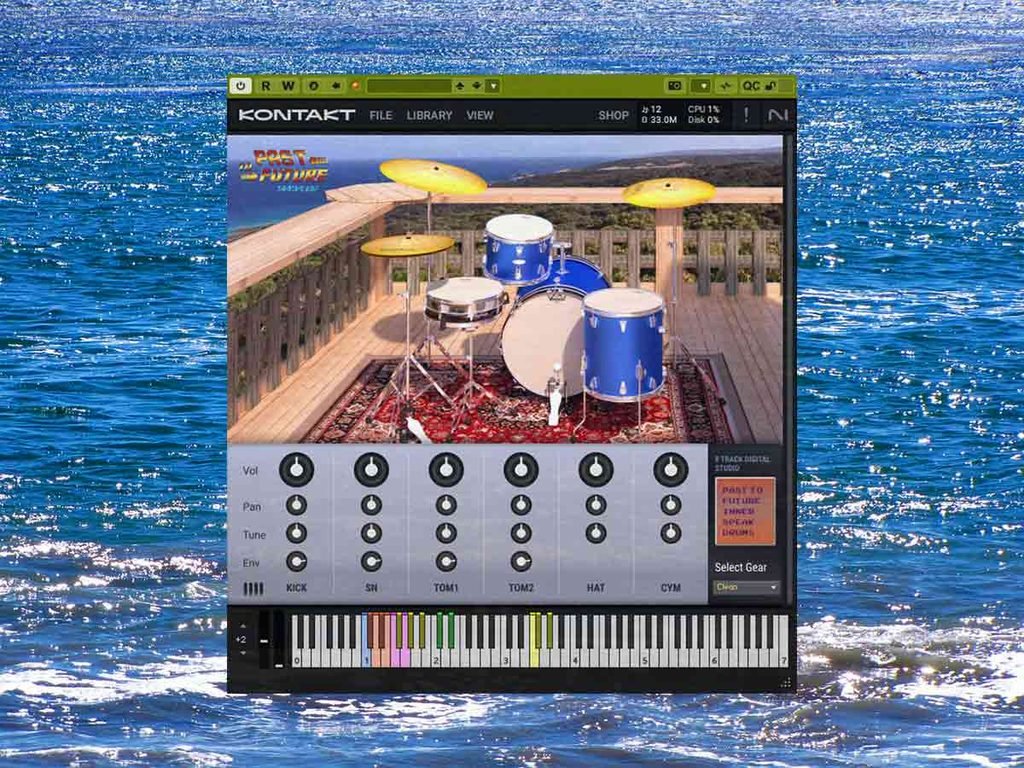
Rather than using samples we can use a drum vst. We can start adding the full kit to a midi block straight away without having to organise the samples. Then we can divide the midi block into track channels and then group them to the drum bus.
About the Author