
Thats an amazing new feature in Cubase and an amazing part of the workflow. When we say control room we’re talking about the panel on the right side of the screen in Cubase. Lets look at Control Room and talk about whats great about it.
VST Instruments
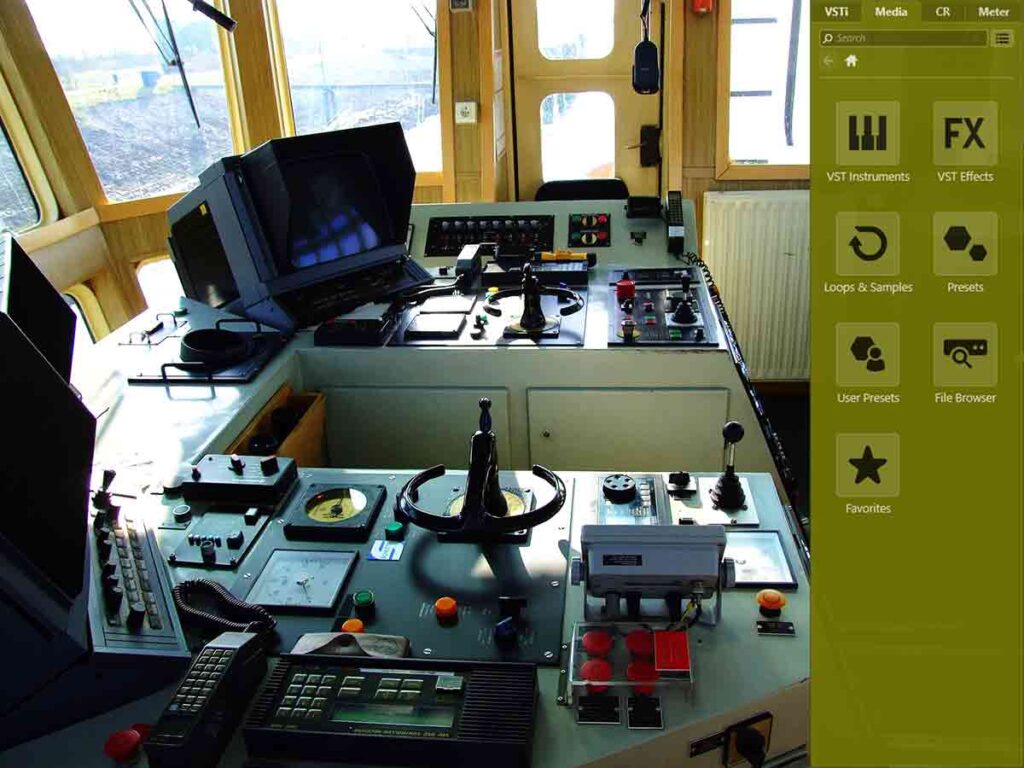
We can search through our VST instruments on the side panel and drag them to somewhere good on the project. This makes running through the instruments easy and organisation seamless. Not only do we have great VSTs but also a great workflow for them.
Search Samples | Control Room
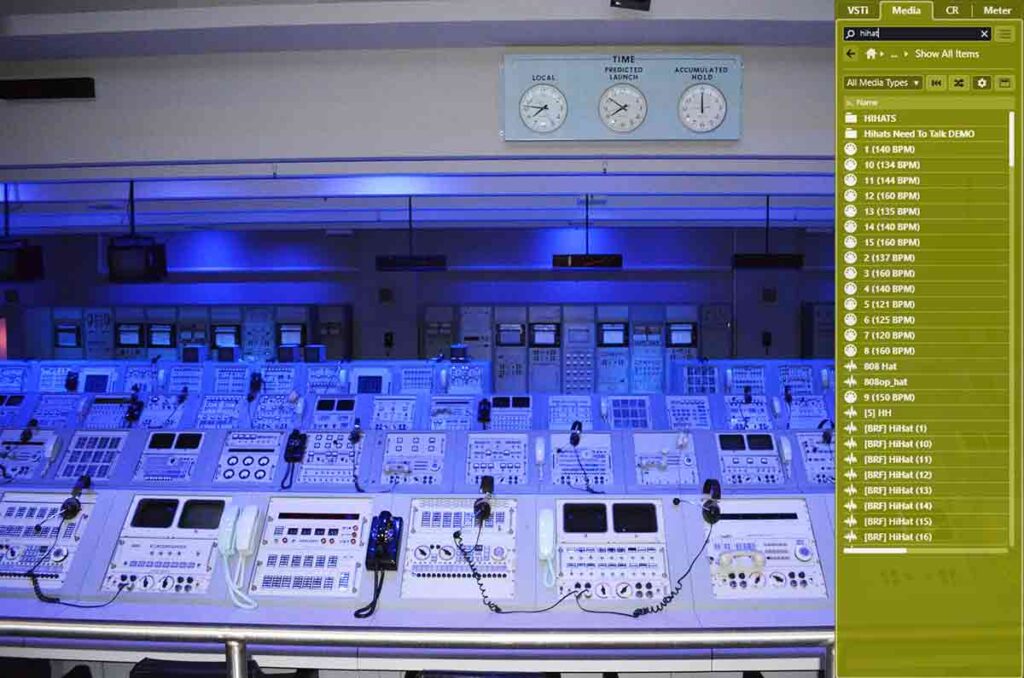
Once we have routed our monitors to the control room we can preview samples in the sample search panel. This makes finding the right drum samples good and easy. We can find a good piano sample and make it into a great sampler track fast. I like to search the big folder for each drum individually and its fast.
Supervision Monitor
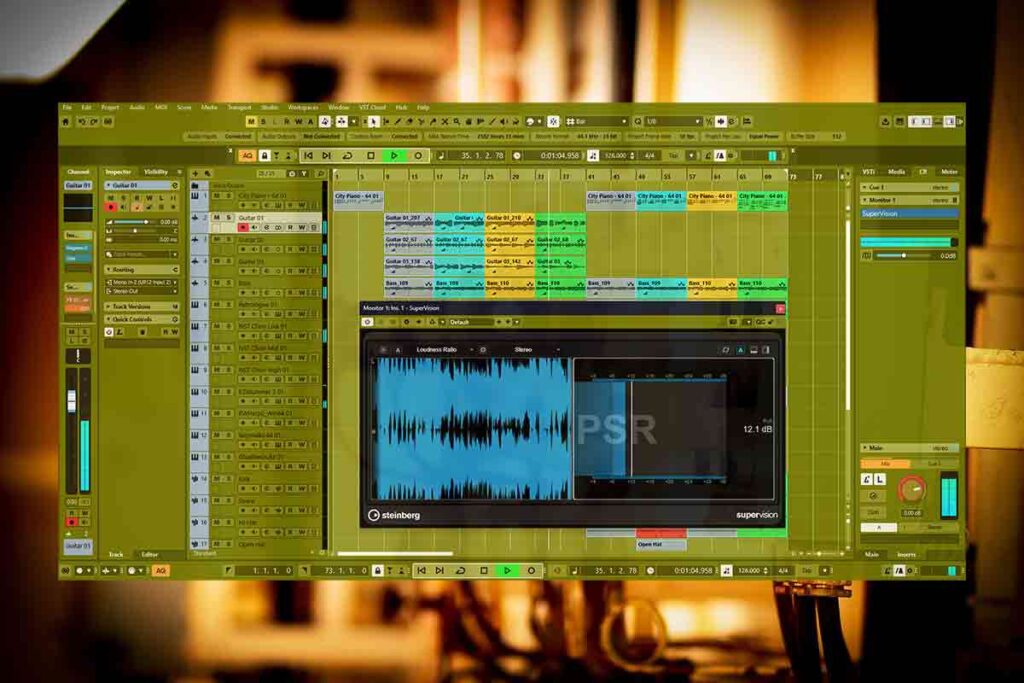
I like to add supervision to control room when I’m going into mixing and mastering to check the PSR level. We want the track to peak somewhere between 12-13 PSR before we add the compressors and limiters to the mix bus. Its good that we can add this to the control panel so that we can still see the project while we’re checking the level.
Digital Meter
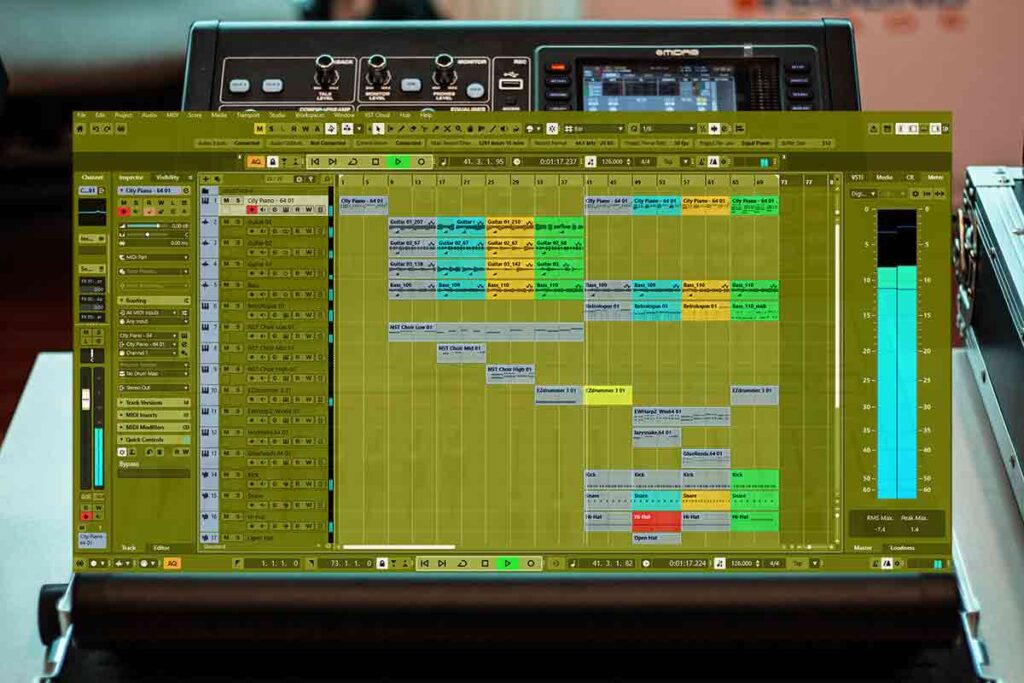
Its good to pull this meter up at the end of the track to see when the sound falls to 0. We can leave the low fadeout sound at the end just for the good ambience.
Cue Sends | Control Room
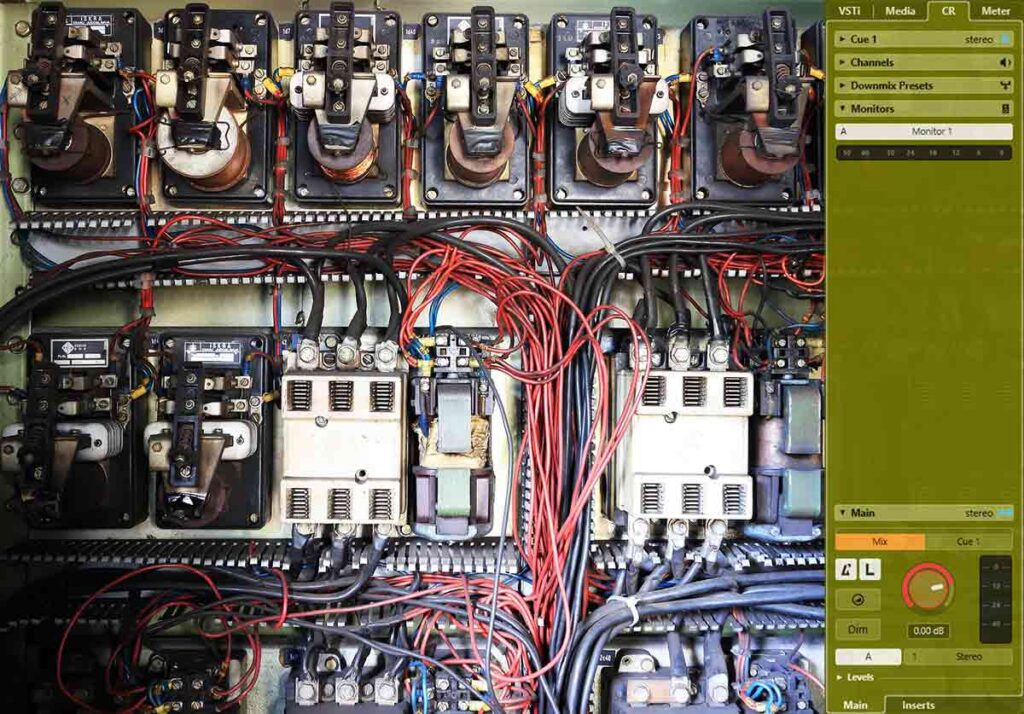
We can put a commercial reference track on the project to compare with our track. The cue track can have different versions/tracks to switch between. We can assign the + button to switch between our mix and the reference track if we assign that in the macro editor.
About the Author