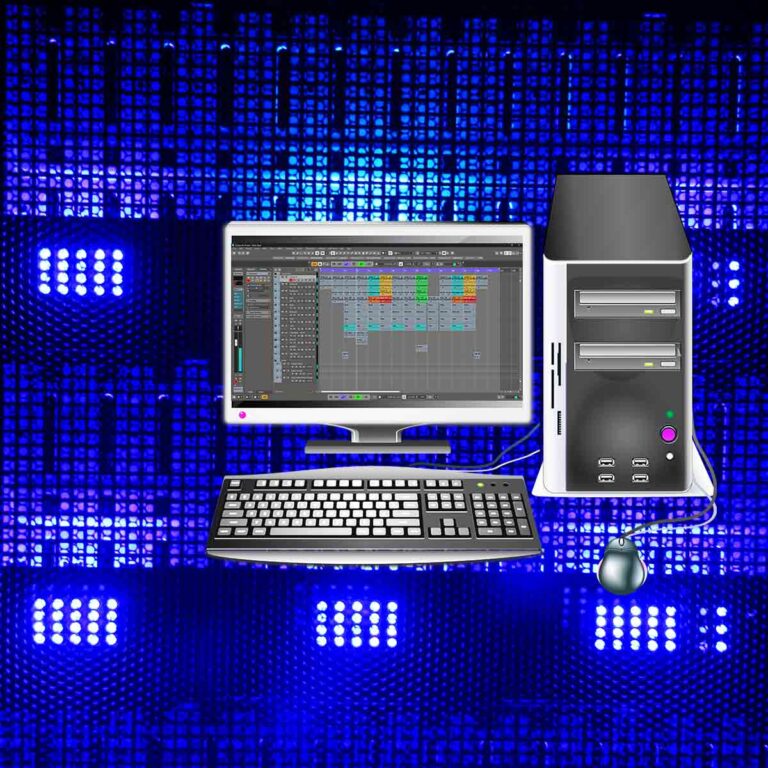

A lot of work goes into every track. It feels rewarding to work and there is a variety of work. We’ll be working in Cubase to get the tracks and then we’ll publish them online. Lets discover the best work and see whats great about it.
Midi

First lets check out some piano chords. City Piano is active and we also have the midi controller. We’re rocking with some m7 chords and this is a great starting point. So now lets record the piano tracks. Ok, now we’ve recorded the piano lets find some extra instruments to record.
Audio
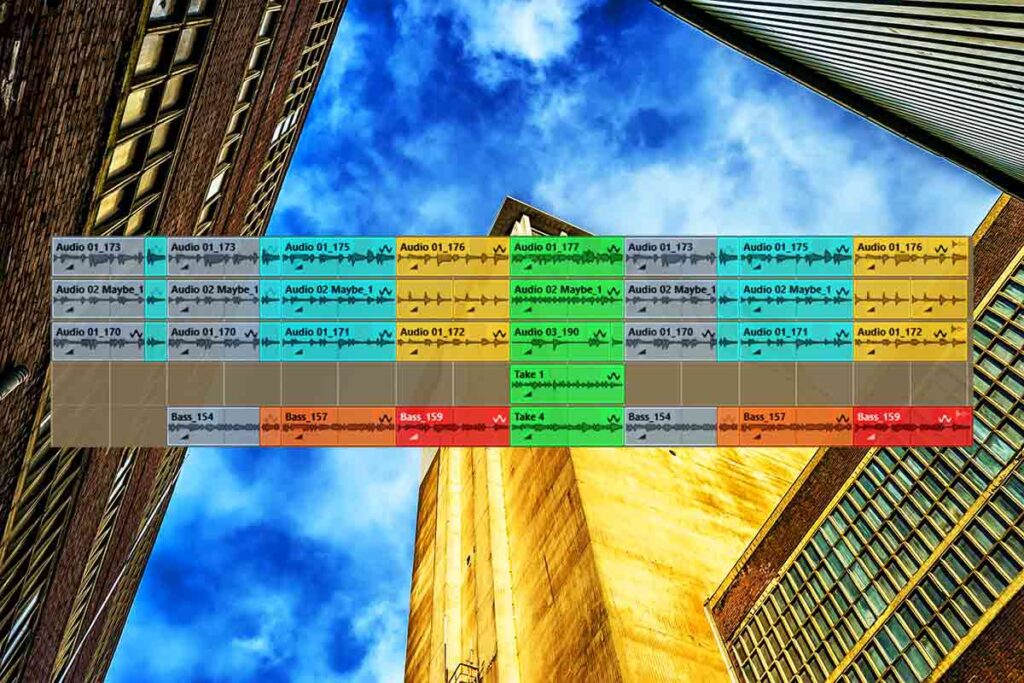
Lets get the audio interface and guitars so we can get the audio tracks. We’ll set up the microphone and record some Nylon String Acoustic Guitar tracks. Now we’ve got the guitars lets put the microphone + guitar away and record the bass. This bass sounds great with everything else we recorded.
AudioWarp | Work
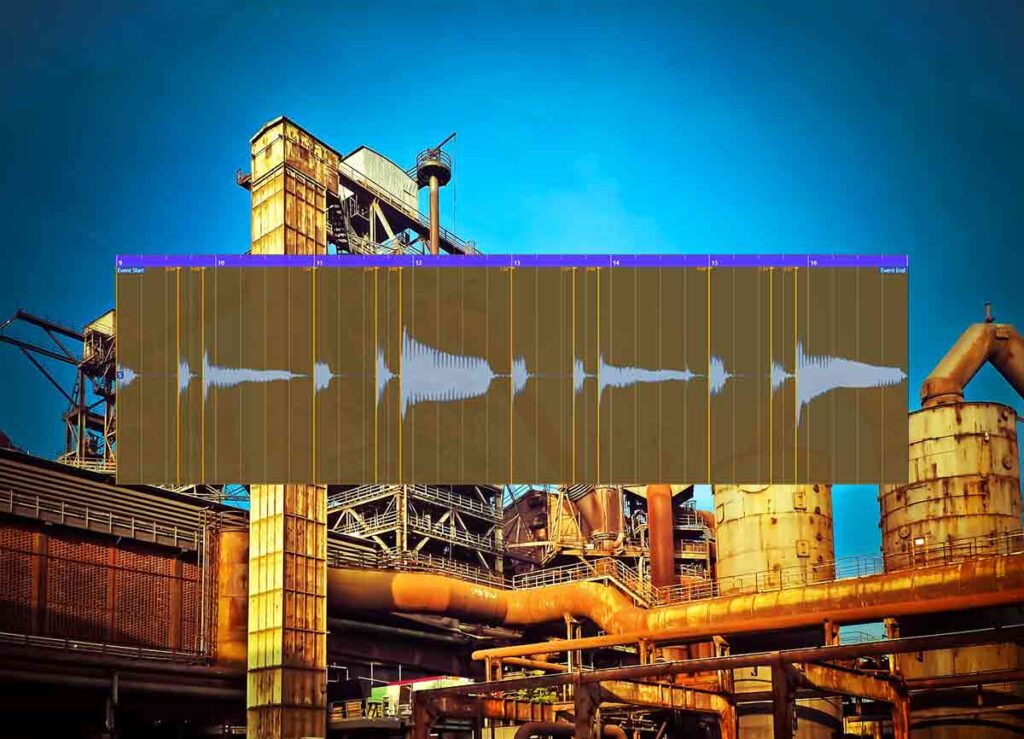
Now we’ve got all the audio tracks lets process them with AudioWarp. We can add warp markers to the tracks and then quantise those markers to snap to the grid. Now we can save the project because our tracks are in line.
Mix | Work
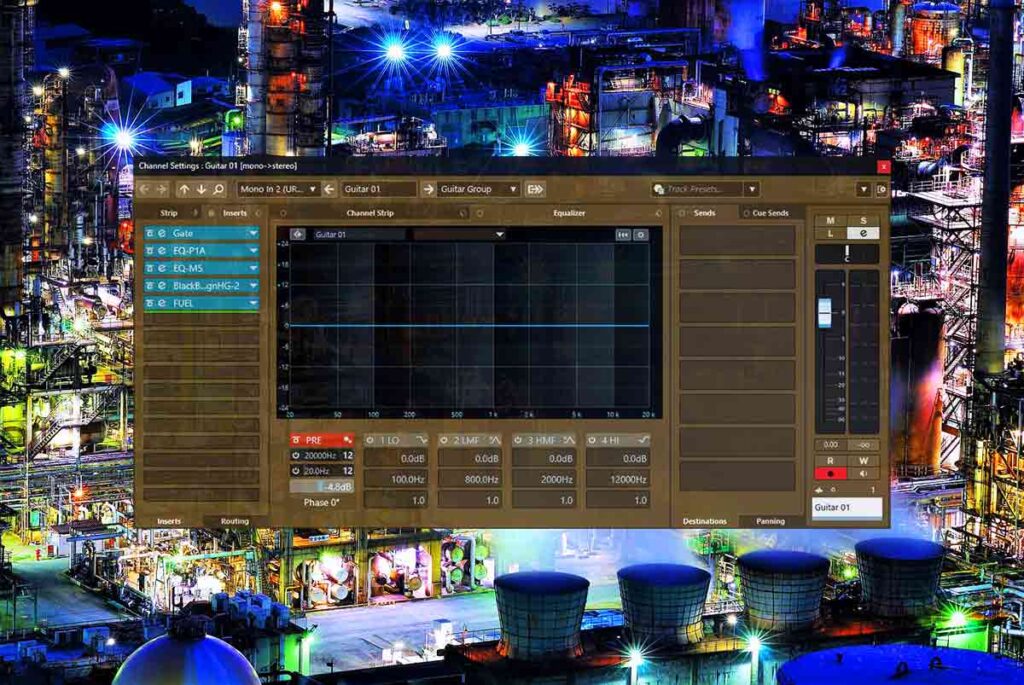
After we group tracks to busses lets mix the tracks. First lets solo each guitar track, sort the pre gain and then add our effect chains. We can tweak the chains and look for ways to upgrade them. After that we can focus on all the other tracks and get the best mix possible.
Mastering
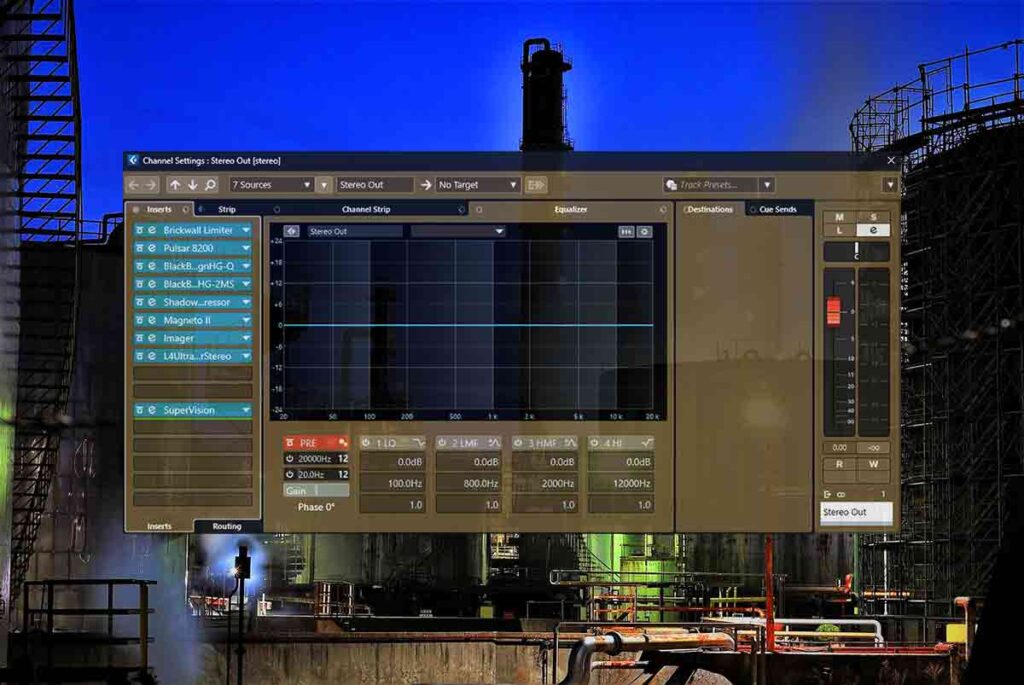
Now its time to master the track because we’ve finished recording and mixing. The mix bus effects chain is the final step. Lets load the mastering chain and tweak each plugin to get the right sounds. We can experiment by swapping effects like EQs and the Limiter. Now the track is great.
About the Author