
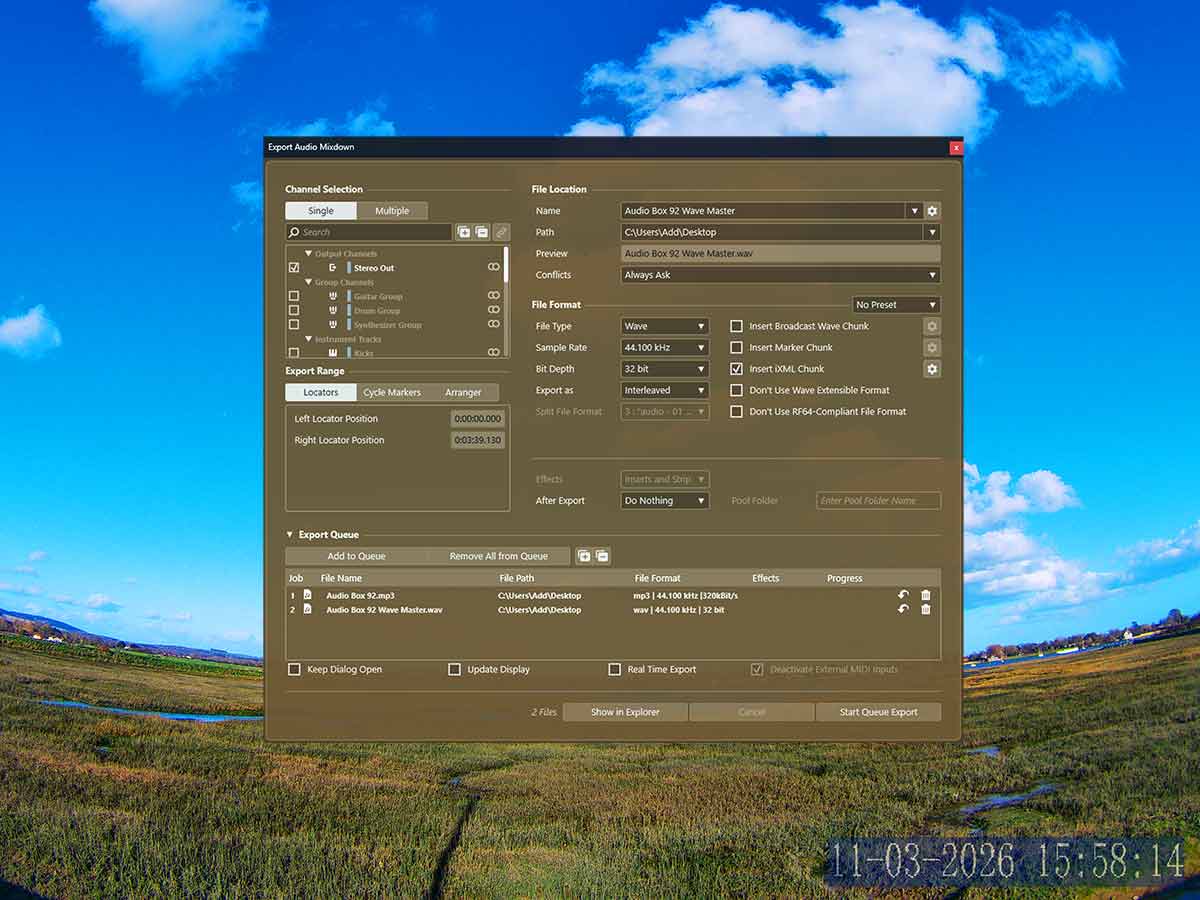
We’ve worked on the track for a while now and its almost time to publish it online. We’ll need to run the final checklist before we get the mixdown so that we’re 100% good with the track and its ready to go. Lets look at the final stages of the track and talk about mixdowns.
Final work
This track sounds great now but there are still some small things we can do to give it a little bit extra quality. Lets check everything and get the track 100% complete on the first mixdown.
Velocity variance
Lets click the midi blocks to check that we’ve added velocity variance. Velocity variance is great because it makes the track sound more natural.
Resize guitar clips
We should zoom into the guitar and bass lanes to resize the clips. We cut the clips so they snap to the grid. Now they’re in place and we’ve set the final playlist we can resize the guitar clips. Lets turn off the snap tool and resize them so that they have more continuation.
Tag check
Ok, we’ve already added tags to the track. Lets check that they’re at a good volume level and they have good effects. They’re at the right places and sound good.
Loop region | Mixdown
Lets look at the last part of the track and figure out how we’re going to end the track. Maybe there’ll be a fade out at the end. Or maybe there won’t be a fade out. If not lets treat the guitar tracks. We can convert the last clips to real copies and add silences, fades and stretches.
Mixdown
Now we’ve finished the project and we can get the tracks. A tagged and mastered MP3. And a tagged and mastered Wave for Distrokid. Unmastered, untagged Wave mix file and a trackout zip package.
About the Author