

We recorded guitar and bass tracks onto the project. We added vst tracks onto the project, mixed and mastered the project. The only things left to do now are freeze classic vst instrument tracks and clean guitar tracks. Lets clean the tracks and see whats good about it.
Gate | Clean Guitar Tracks
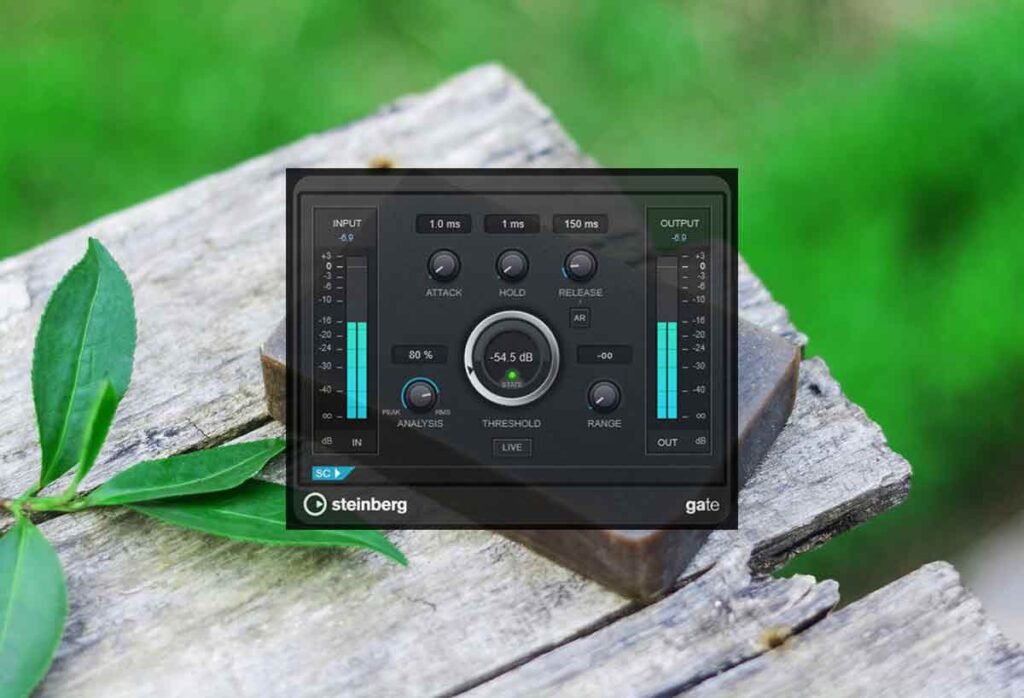
Actually we already started cleaning the guitar tracks before dealing with all the other tracks. We put gates as the first plugin on our guitars. They do a great job of filtering out the low level noise during the gaps between sounds. They sound much better with the gate.
Resizing Guitar Tracks
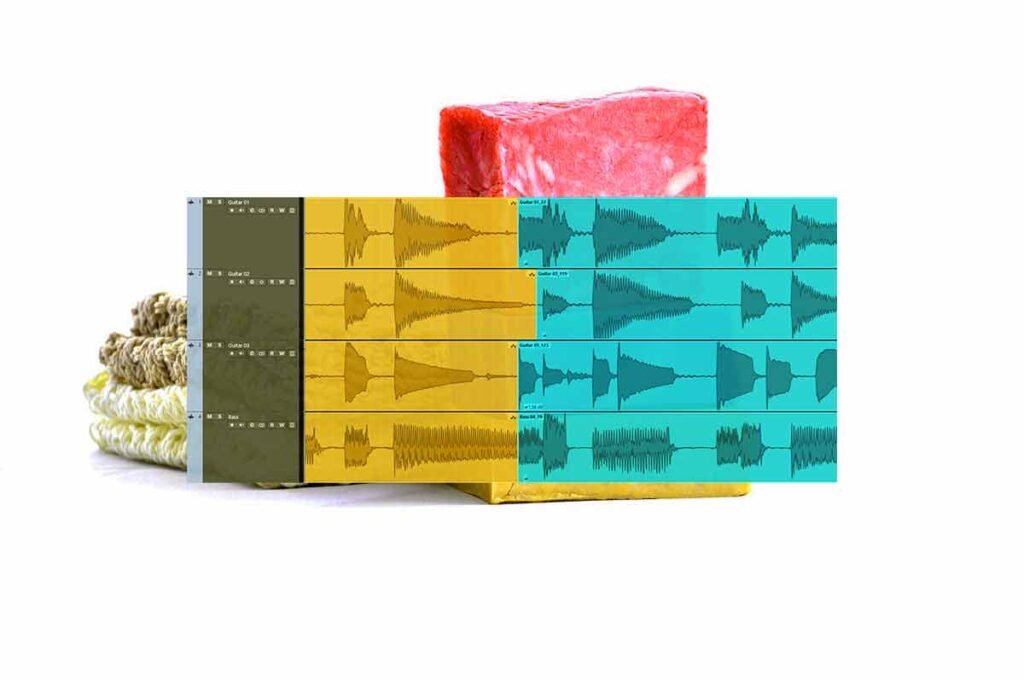
After we’ve finished working on the tracks and everything is in its final place we should do this. We should zoom in on the guitar and bass tracks. We should see if a chord or note can go on longer and if there is space for it to go longer. Then we should turn snap to grid off and resize the track.
Adding Silences
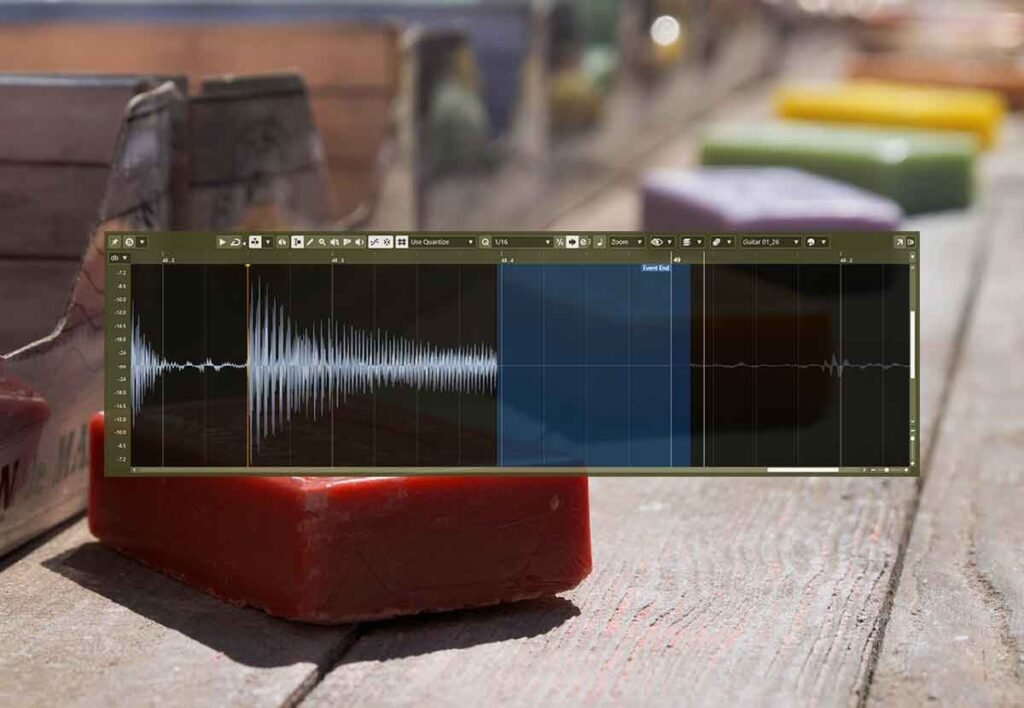
If the audio track has nothing after it we should add silence to the end of it. We can click into the audio block to highlight the noise at the end of the track. Then we can hit our create silence shortcut shift + space to delete that noise. This makes gives the track a good and clean ending.
Adding Fade Outs | Clean Guitar Tracks
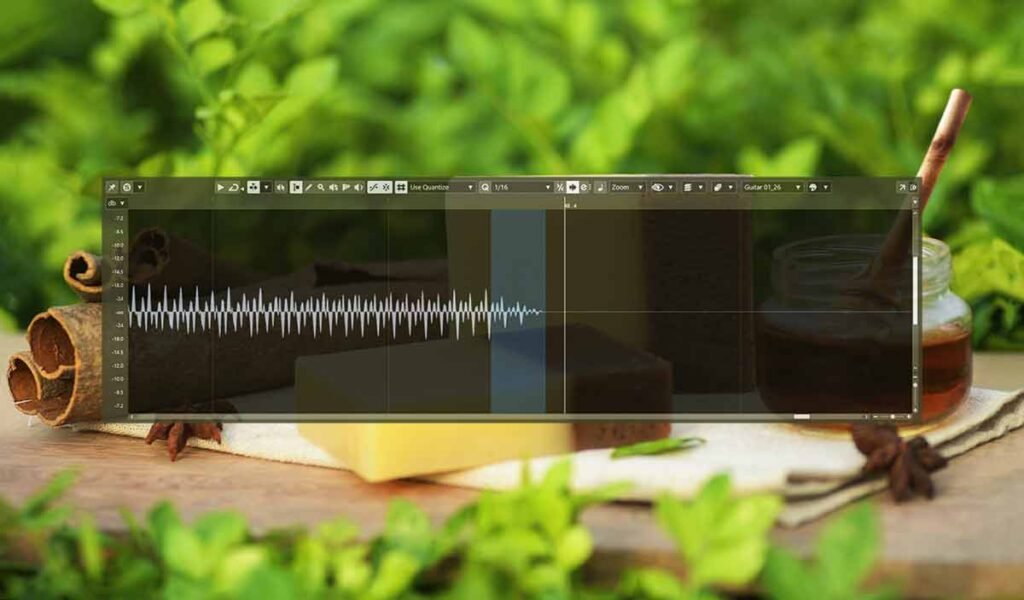
After adding the silence we can also add a fade out so that it doesn’t cut out too quickly. We can highlight a small section of the end of the last note and press the fade out shortcut alt + f to add the fade out. If we notice theres still a bit of noise there we can re add the silence and then add fade out again.
Stretching Notes
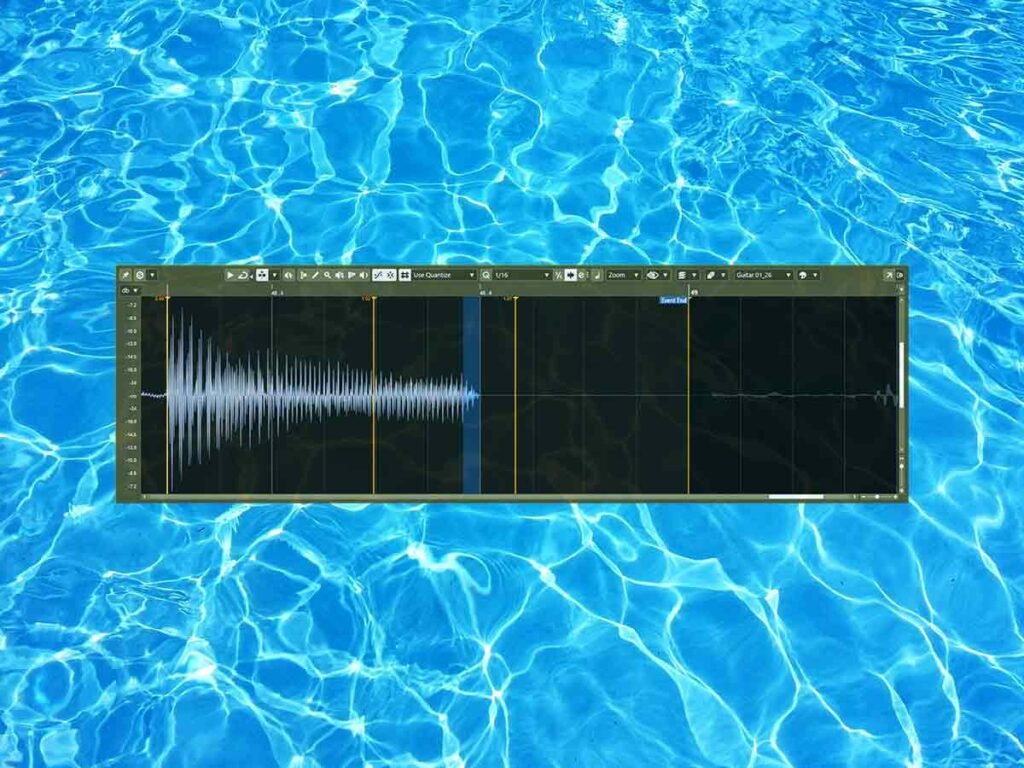
By processing the tracks that way we might have made the note a bit shorter. So we can stretch the track by going into free warp mode and adding warp markers. Then we can move the markers to stretch the track. Now the tracks sound really good.
About the Author