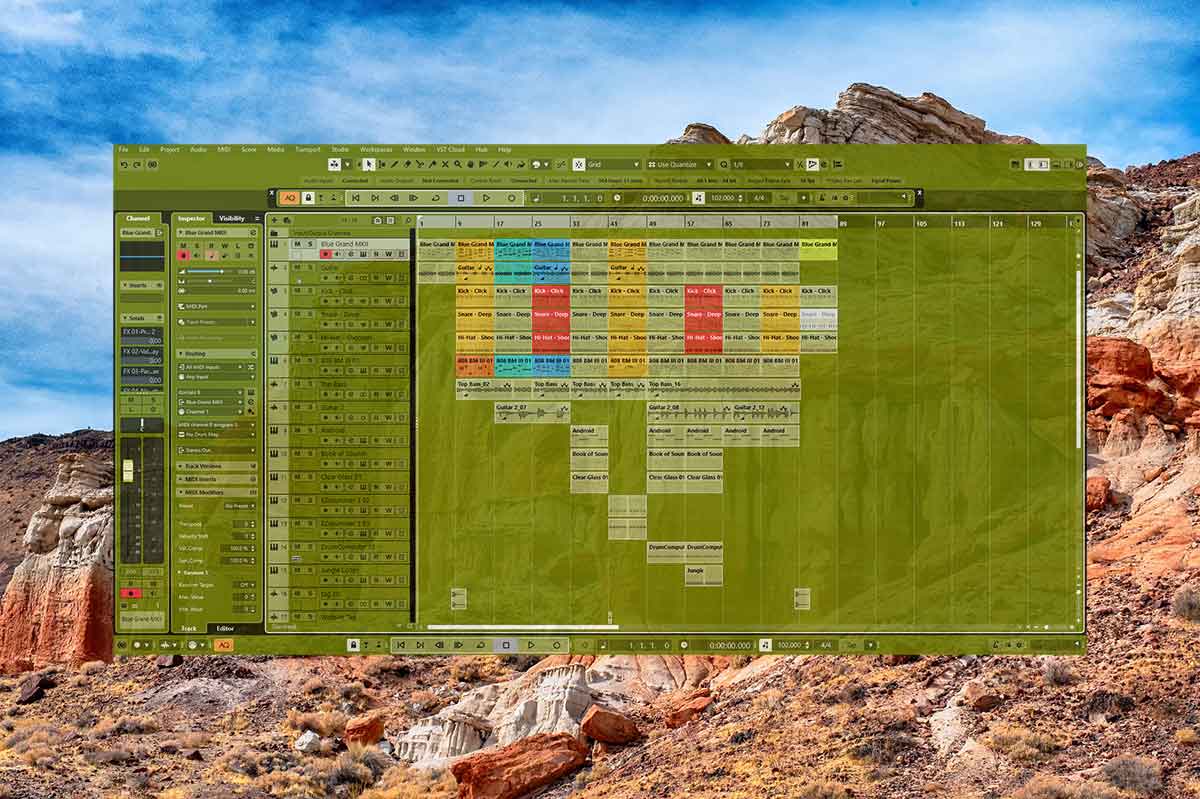
Cubase is a great audio workstation because it has some amazing features. Lets look at the 5 best Cubase features and discover how they can help us make the best tracks possible.
5. 🧮Auto Quantize🧮

I like auto quantize a lot because it saves a lot of time. It automatically quantizes midi tracks to the quantize value, right after recording. The auto quantize button is on the transport panel and easy to turn on/off.
4. 🧰Organize Plugins🧰

You can choose which plugins it shows when you click onto inserts or add send fx. This really speeds up the workflow and helps with organization. I set it to show my favorite plugins and list them alphabetically. Set this up by going to VST Plugin Manager via the Studio tab and click on New Collection in the tab on the right.
3. 💾Auto Save💾

Before I upgraded my computer/back when I used VST/VST2 plugins, my computer would crash a lot, but I set auto save to save every 5 minutes. It brought stability to the system and kept all my projects alive. Now with my new system and only running VST3 plugins, I don’t use autosave anymore because its a lot more stable.
2. 📂Mediabay/Control Room and Sampler Track📂 | Cubase Features

With control room enabled you can preview your samples in media bay, right click them and create sampler tracks with them. The sampler track can basically turn samples into midi instruments and it has many many other great features too.
1. 📘Cubase Hub📘 | Cubase Features

This is the first screen after Cubase loads and it displays the last projects that you worked on. This helps to keep track of multiple projects and stay organized. It also shows news from Cubase and template projects. I like the template projects from Cubase and I like to create my own templates.
About the Author