We need screens to see everything we record and process tracks with. There are many types of machines and screens we use to make tracks. Lets discover the best screens we use to make tracks and talk about whats great about them.
5. Phone | Screens
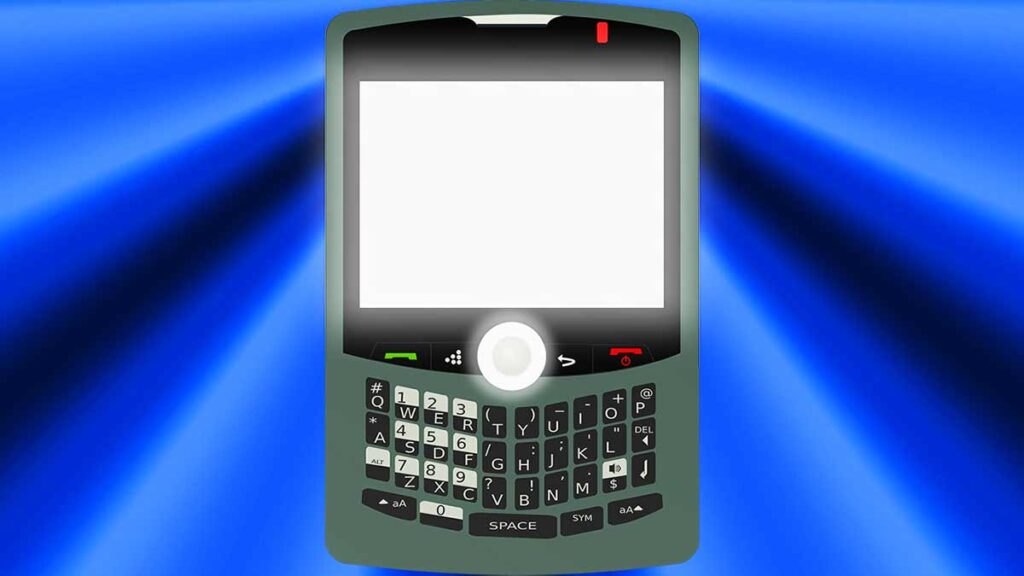
We can make tracks on our phones with Cubasis and FL Studio Mobile. They’re quite similar to their computer counterparts. Although we’ll need to work with the touchscreen which is quite a task. There are so many functions available on the screen. Now we can make tracks anytime and anywhere.
4. 720p TV
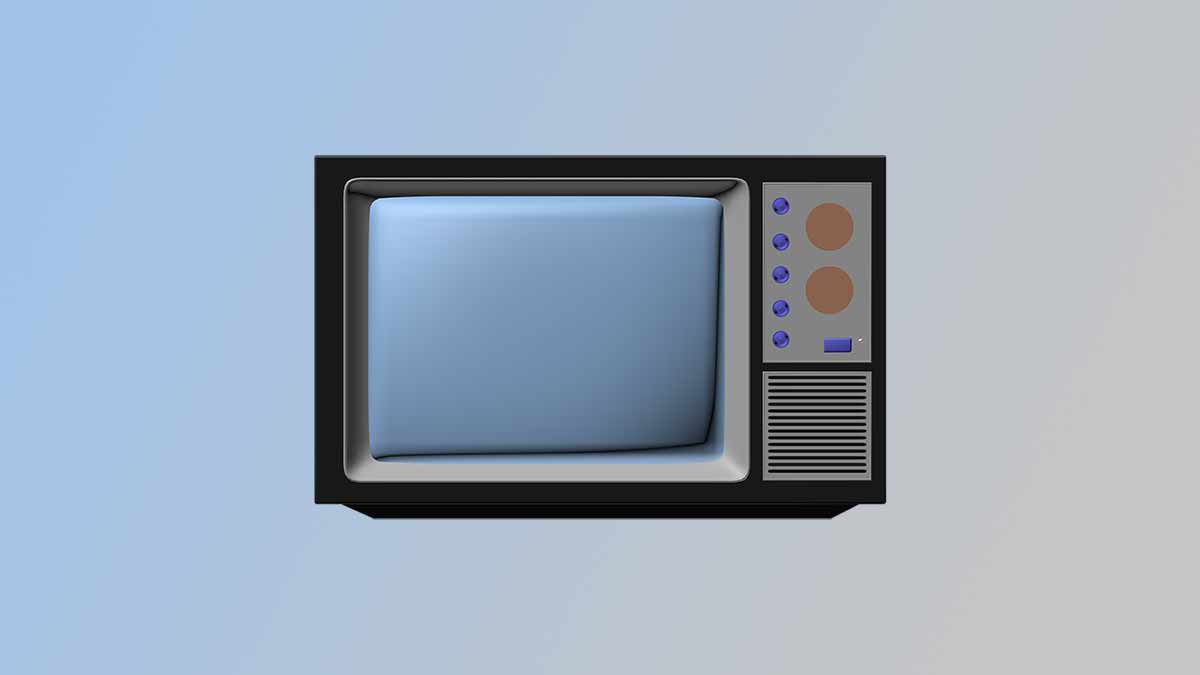
We used this TV for a while recently. Its good because everything is magnified. We can chose the option to hide the taskbar so we’ll have more screen room for Cubase. Cubase barely fits onto the 720p display and it requires some extra effort to work. The export queue feature doesn’t fit on the screen so we’ll need to export masters individually.
3. MPC 5000 | Screens
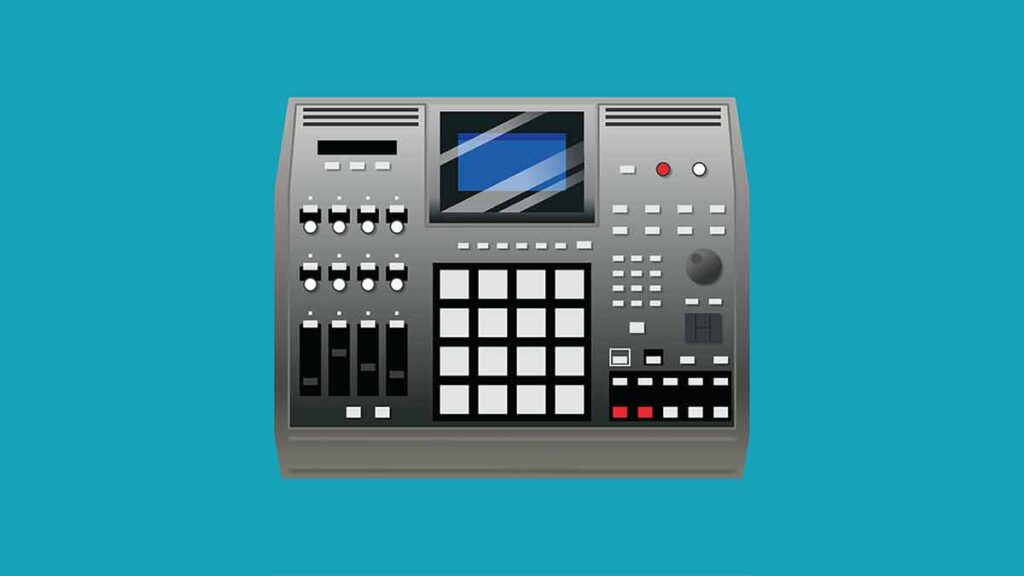
Thats a very small screen but there are many buttons around it so we can switch between modules. It has a contrast setting so we can set it to whats best for us. The machine has many features and its great that we can do all of the work done on this screen.
2. Laptop Display
This is the best screen for train journeys and flights. Its HD and we can do almost as much as we can on the computer. We can use a usb mouse as the pointing device rather than the touchpad for better control. Theres also a HDMI out port so we can switch it to a TV.
1. 1080p TV
Thats very good because the latest programs work best on 1080p screens. We have the computer connected to the 1080p screen and ability to make the best tracks possible.
About the Author