
Great. The new cubase is available and it has some very good upgrades. Cubase 15 already seemed like it has reached the full potential and it was the best system. Lets discover Cubase 16 and talk about whats good about it.
Faster
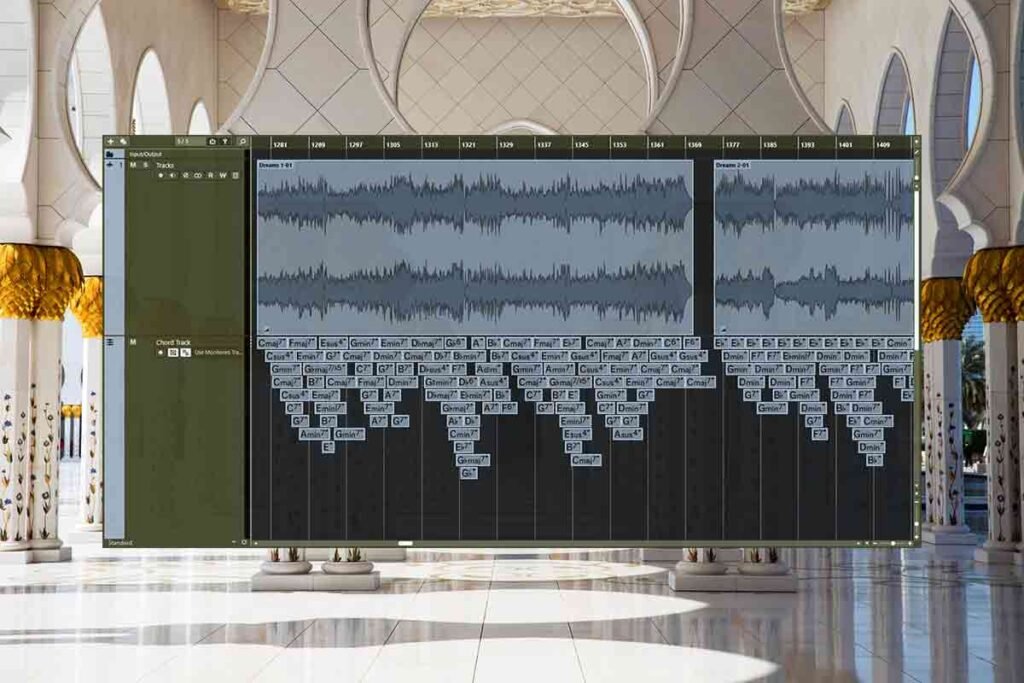
We noticed that our chord compilation projects move a lot faster and smoother when we’re scrolling around the tracks. Our chord compilation projects have lots of tracks with chords next to them so we can practice them on the zither. Now cubase 15 can deal with lots of data better.
Settings Menu | Cubase 16
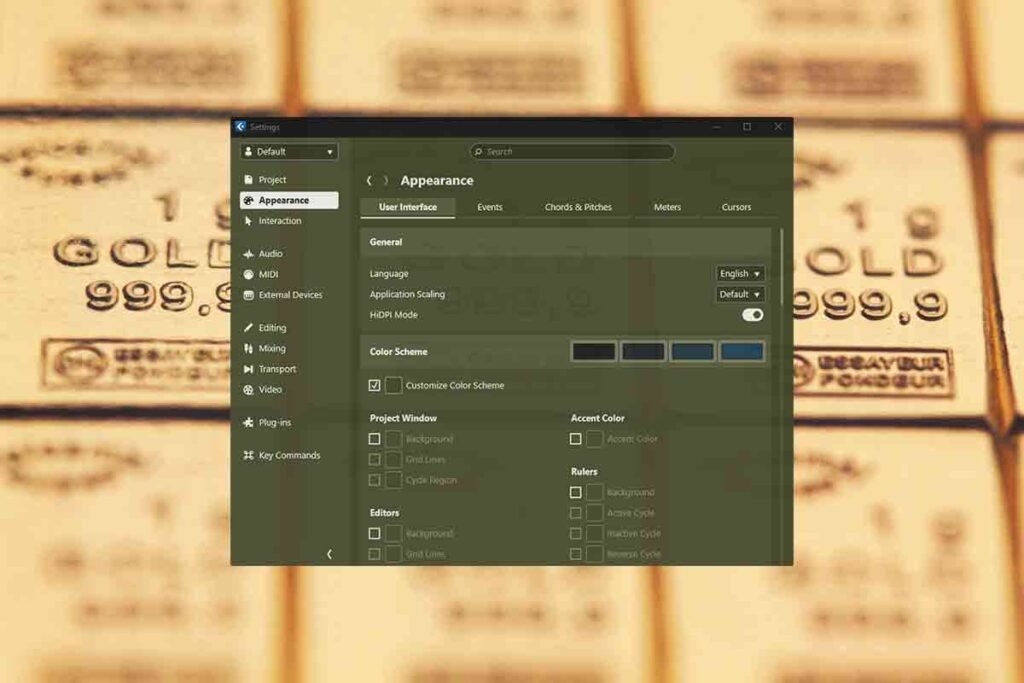
Now all of the settings are in one place. The appearance settings are different and the menu follows the project theme more. Its really good. The studio setup option is no longer in the studio tab. Now we can change audio drivers by clicking into the bar at the top.
New Looks
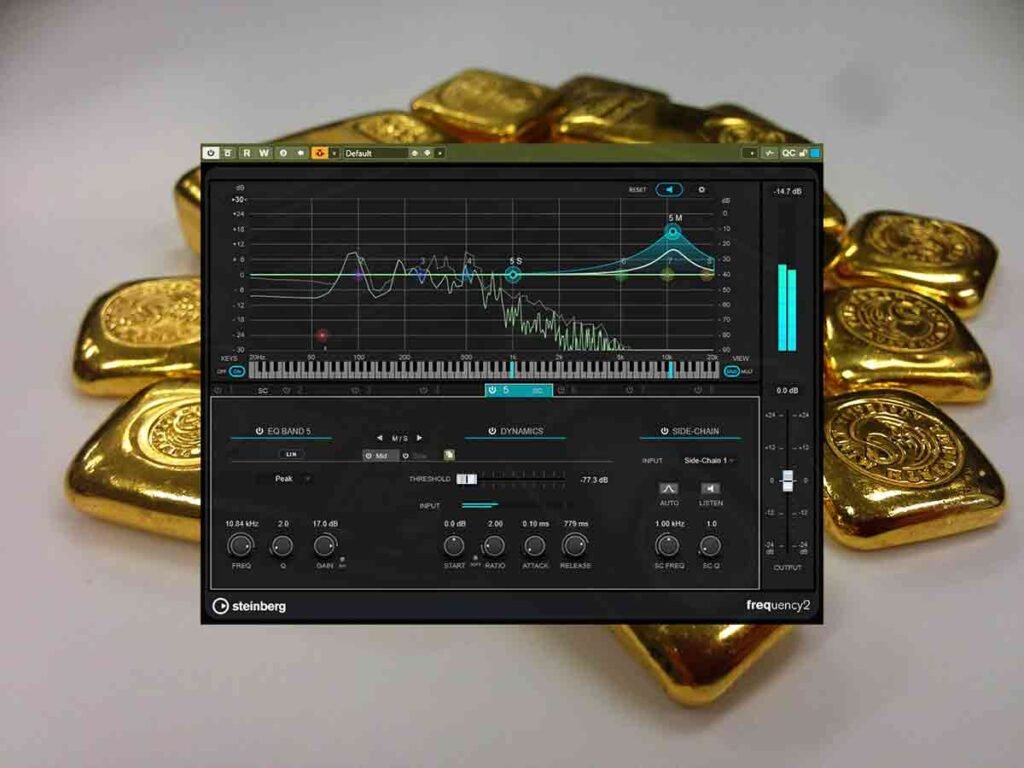
The tuner looks different. It acts a bit differently when the string is in the tune range. Frequency 2 looks different too. Thats what we’ve noticed so far. Its very good because it looks a bit more futuristic. The message boxes also look different too and they follow the theme more.
Quick Help
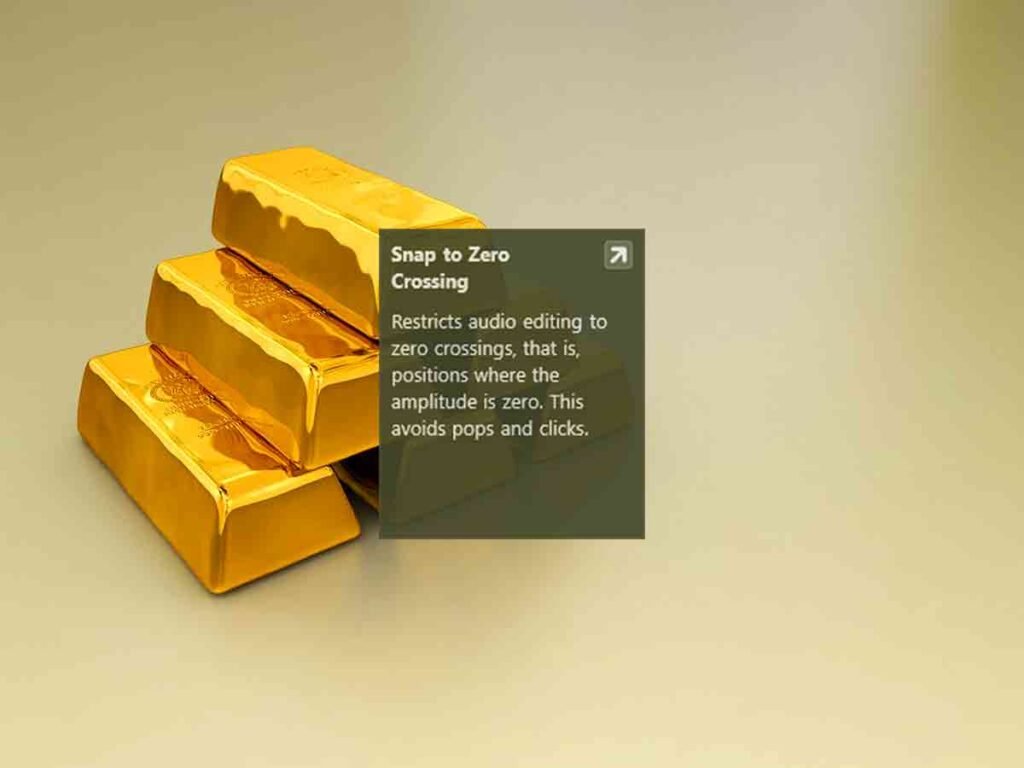
This is a new feature and it shows help messages when we move the mouse over things on the screen. It great because its like there is someone in cubase explaining what things do. We can resize the quick help box so that theres more room for the audiowarp and variaudio menus.
Drum Chain | Cubase 16
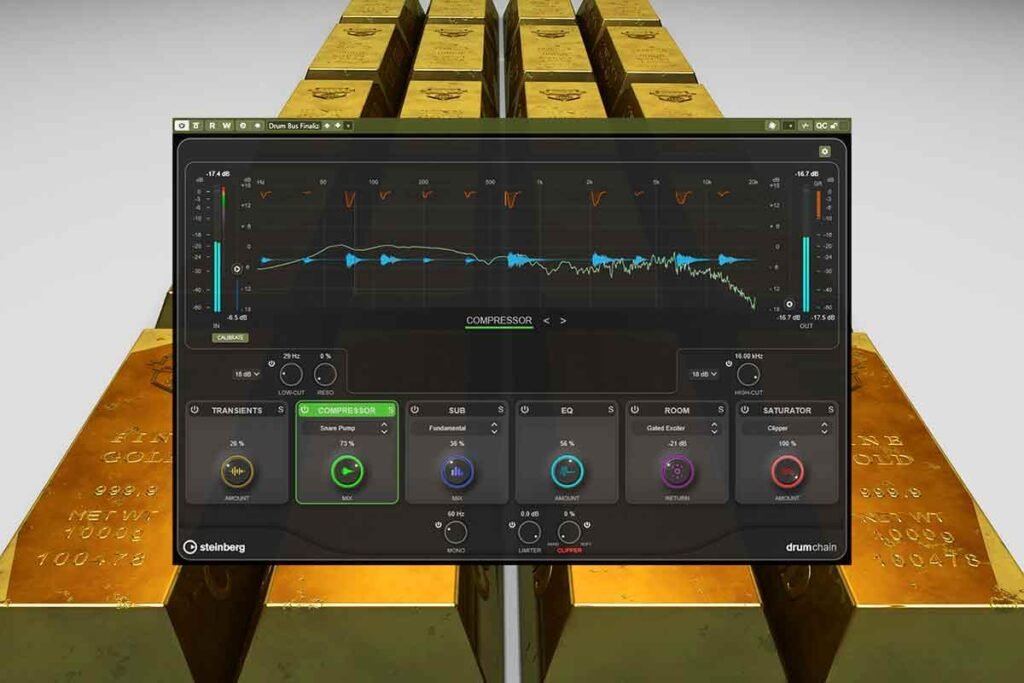
Its great that we have this new plugin and it has lots of modules for us to check out. This seems like it will be very good for drum buses. There are a lot of types of compressors in the compression menu and lots of presets. Now theres also a dice icon button at the top of cubase plugins that can randomise all the settings.
About the Author