We’ll need to make some tracks in Cubase so lets look at how we can spend our time doing so. There are many aspects to making the track so we’ll need to work multiple sessions. Now lets talk about time and discover whats good about it.
Record Tracks | Time
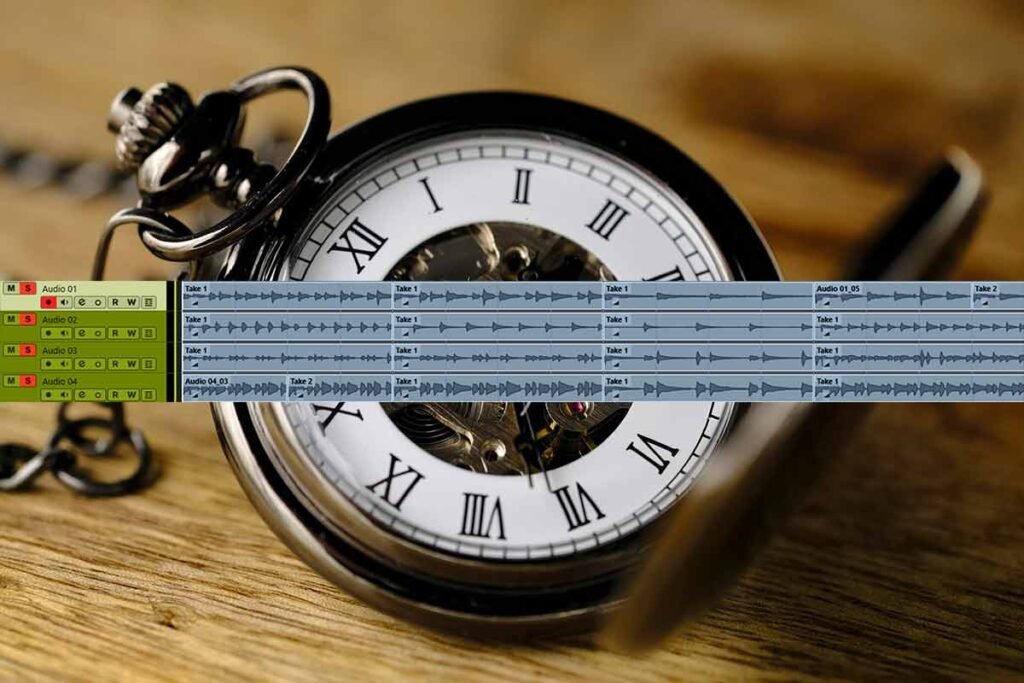
First lets spend some time organising the studio so that we’re ready to go. Then lets tune the guitar and bass. Now lets record the tracks. Nice, that took about 50 minutes. Now we can save that work and move onto the next activity.
Quantise Audio
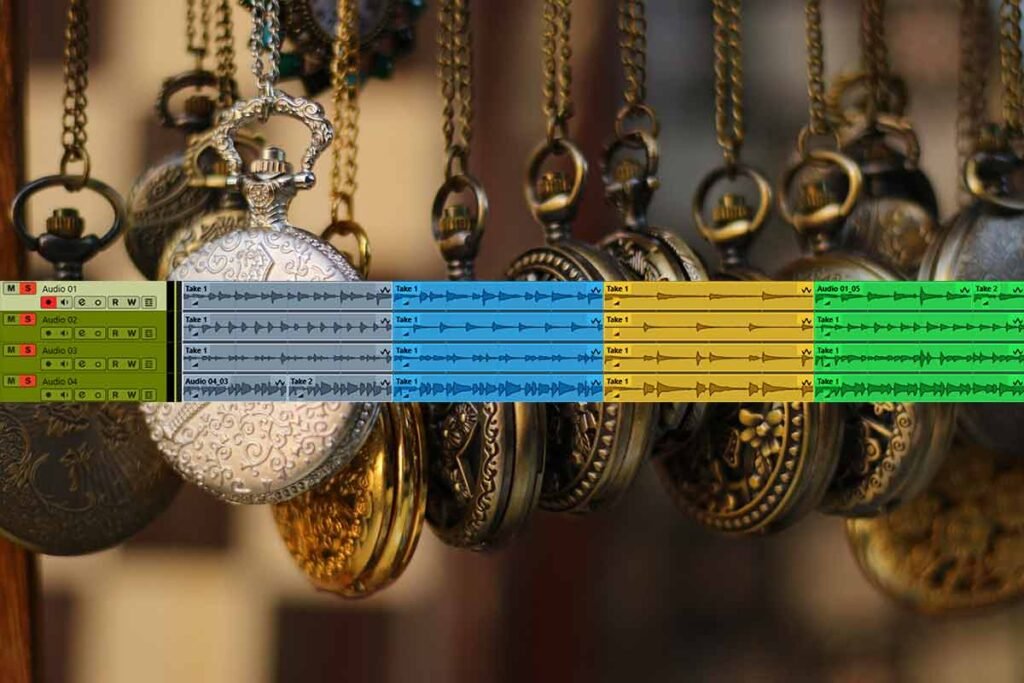
We should use Cubase to adjust the timing of our audio tracks to make them line up good with to grid. First lets create warp markers and then we can quantise our audio tracks. This will take about 20 minutes but it will save us making lots of small adjustments to the timing of the tracks later.
Record Midis
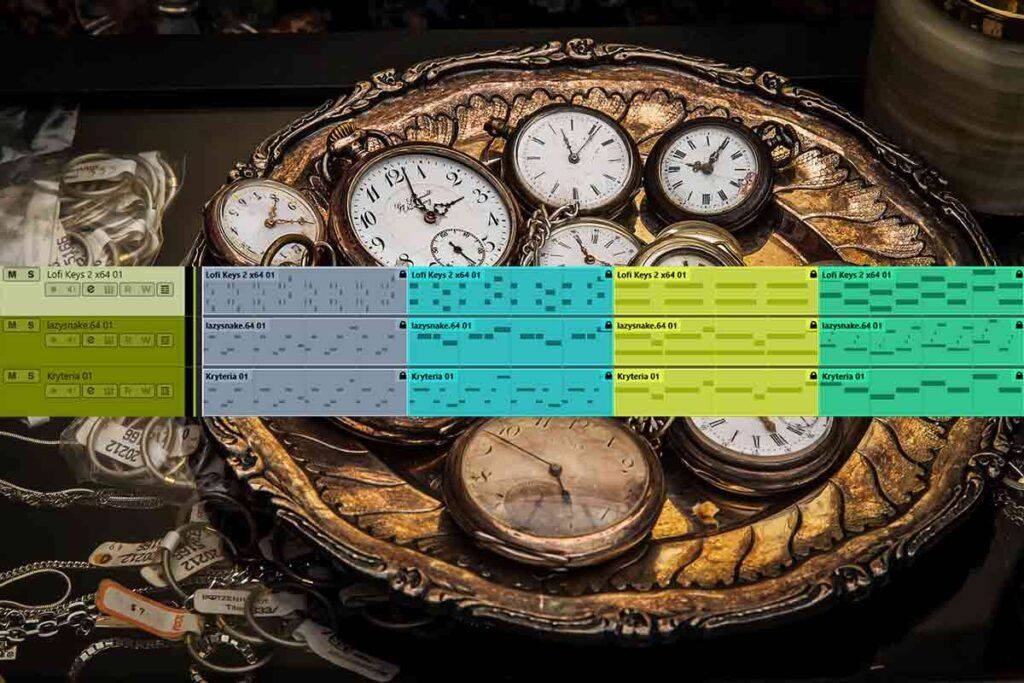
We have some really good VST instruments so lets add them to the project. We can click the midi notes into the midi blocks and add velocity variance to give them more movement. Or we can get the notes with the midi controller. That took 20- 30 minutes.
Mix | Time
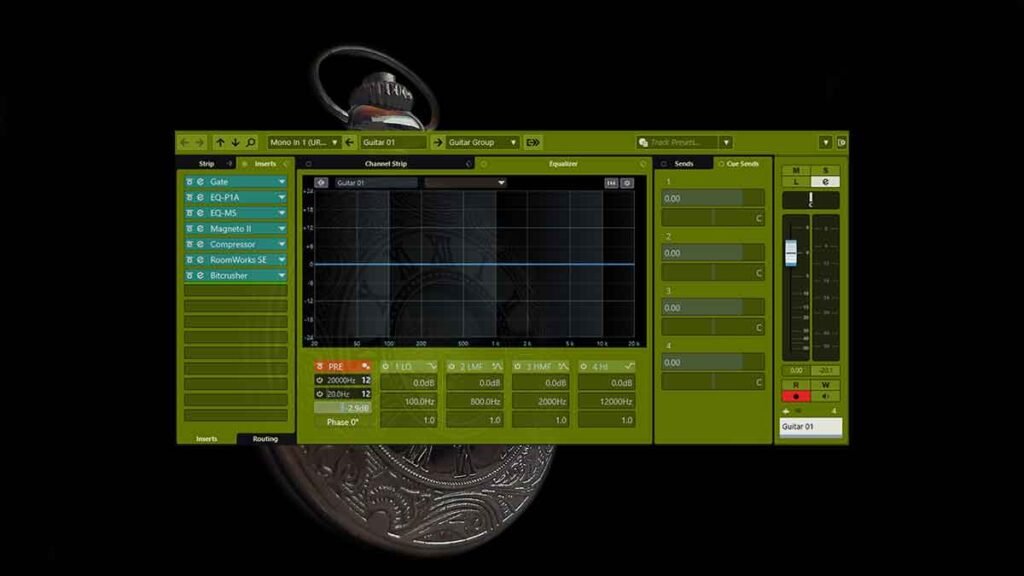
Now lets gain stage the tracks and add effects to them. We can experiment with new effects settings and try new combinations of effects. Lets group our tracks to busses and add effects to the busses too. Now the track sounds very good, lets move to the next step.
Playlist
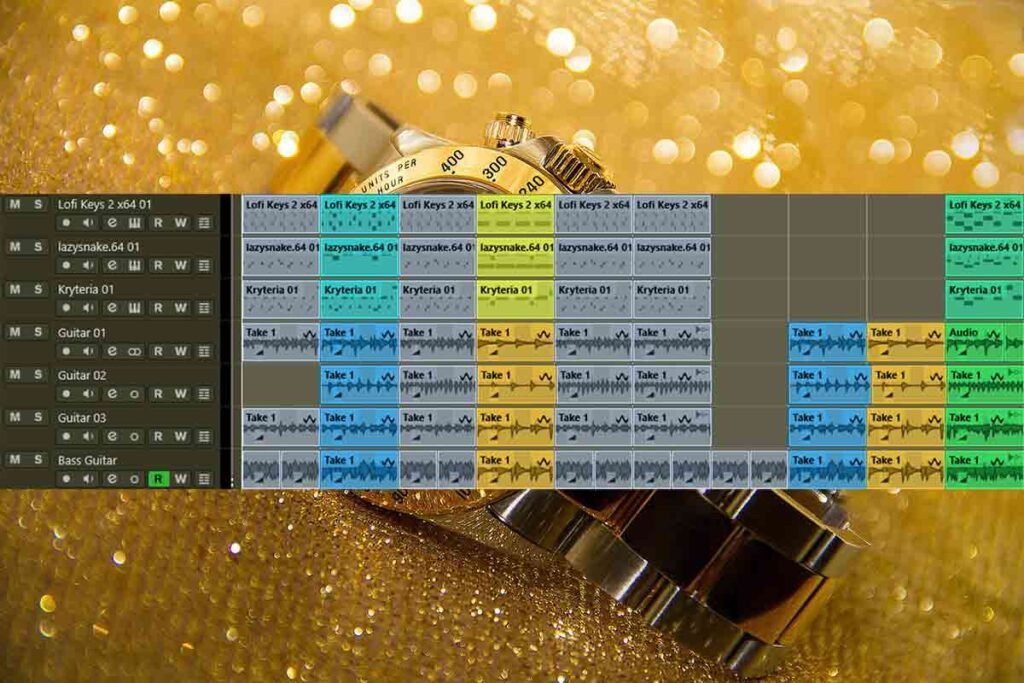
We should move and duplicate blocks to create a great sequence. After we duplicate the midi blocks we can add velocity variance to them to make them more natural. Then we can process the guitar clips – resize them, add silences, fade outs and streches with vari audio.
Master | Time
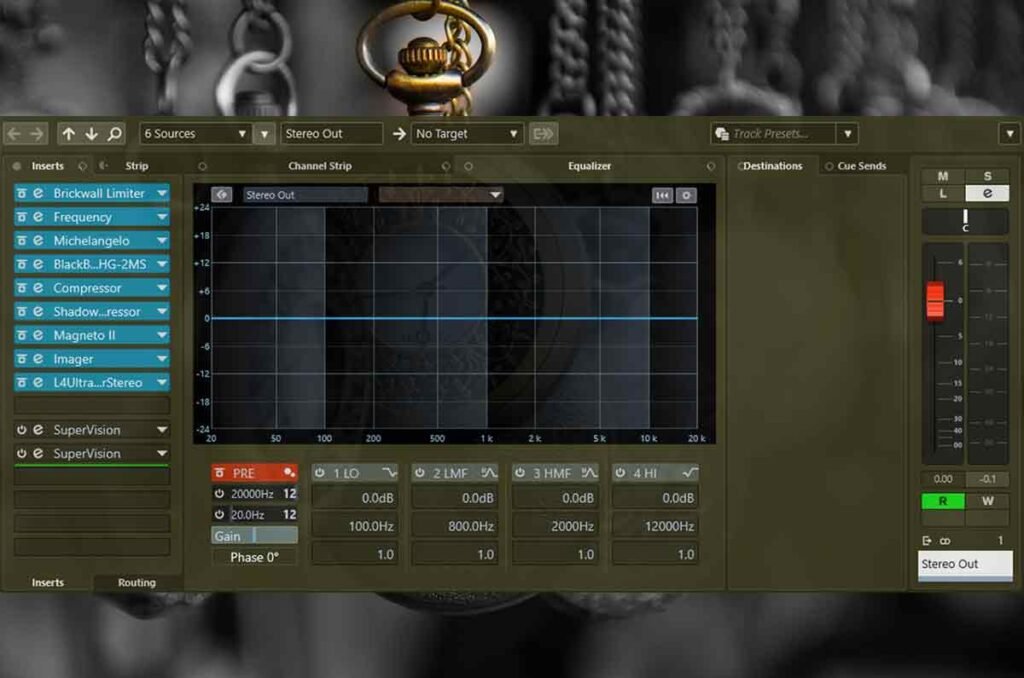
Lets load our mix bus effects chain and tweak it to sound good with this project. We can post the project now because it it finished.
About the Author